
Video model · ByteDance
OmniHuman on your Mac
OmniHuman is ByteDance's line of models that turns one photo and a voice into a performance. In Tenet, the AI film studio for Mac, it's how a character delivers a monologue, sings a verse or speaks to camera, using a voice you made in the same app.
The short answer
Yes, OmniHuman runs on a Mac through Tenet, with no ByteDance account. Tenet offers OmniHuman 2 and OmniHuman 1.5: you give each one face picture and one audio clip, and it makes a video of that person speaking or singing it. OmniHuman 2 takes 4 to 60 seconds of audio; OmniHuman 1.5 takes 2 to 60 seconds and renders at 720p or 1080p.
OmniHuman in Tenet
| Made by | ByteDance |
|---|---|
| Versions in Tenet | OmniHuman 2, OmniHuman 1.5 |
| Works from | One face picture plus one audio clip (both required) |
| Audio length | OmniHuman 2: 4 to 60 seconds. OmniHuman 1.5: 2 to 60 seconds |
| Resolution | OmniHuman 1.5: 720p or 1080p |
| Pays with | Tenet credits. A credit is a cent, and the app shows an estimate before you generate |
What OmniHuman is good at
Acting, not only lip movement
ByteDance's OmniHuman 1.5 paper describes a planner that guides gestures and expression beyond the rhythm of the audio. The aim is a performance that reacts to what's being said, not a mouth flapping in time.
Steering with a prompt and the camera
The same paper describes control through a text prompt and support for camera movement, so a shot can push in during the line that matters.
More than one person, and non-humans
ByteDance shows OmniHuman 1.5 handling scenes with several people and subjects that aren't human, which opens it up to a talking animal or a painted character.
A minute of performance
Both versions take up to 60 seconds of audio in Tenet, enough for a full verse, a short speech or a confession scene without stitching.
How to use OmniHuman in Tenet
Make the voice first. Write the line, generate it with ElevenLabs v4 in Tenet, and listen back until the delivery is right. For a song, use a vocal from your music track or one you recorded and imported.
Then choose the face. A clear, front-on picture of your character, from your character sheet or a photo you imported, works best. Pick OmniHuman 2 or OmniHuman 1.5 in the model menu, wire in the picture and the audio from the board, and add a short prompt for mood or camera if you like. With 1.5, choose 720p or 1080p. Check the estimate and generate.
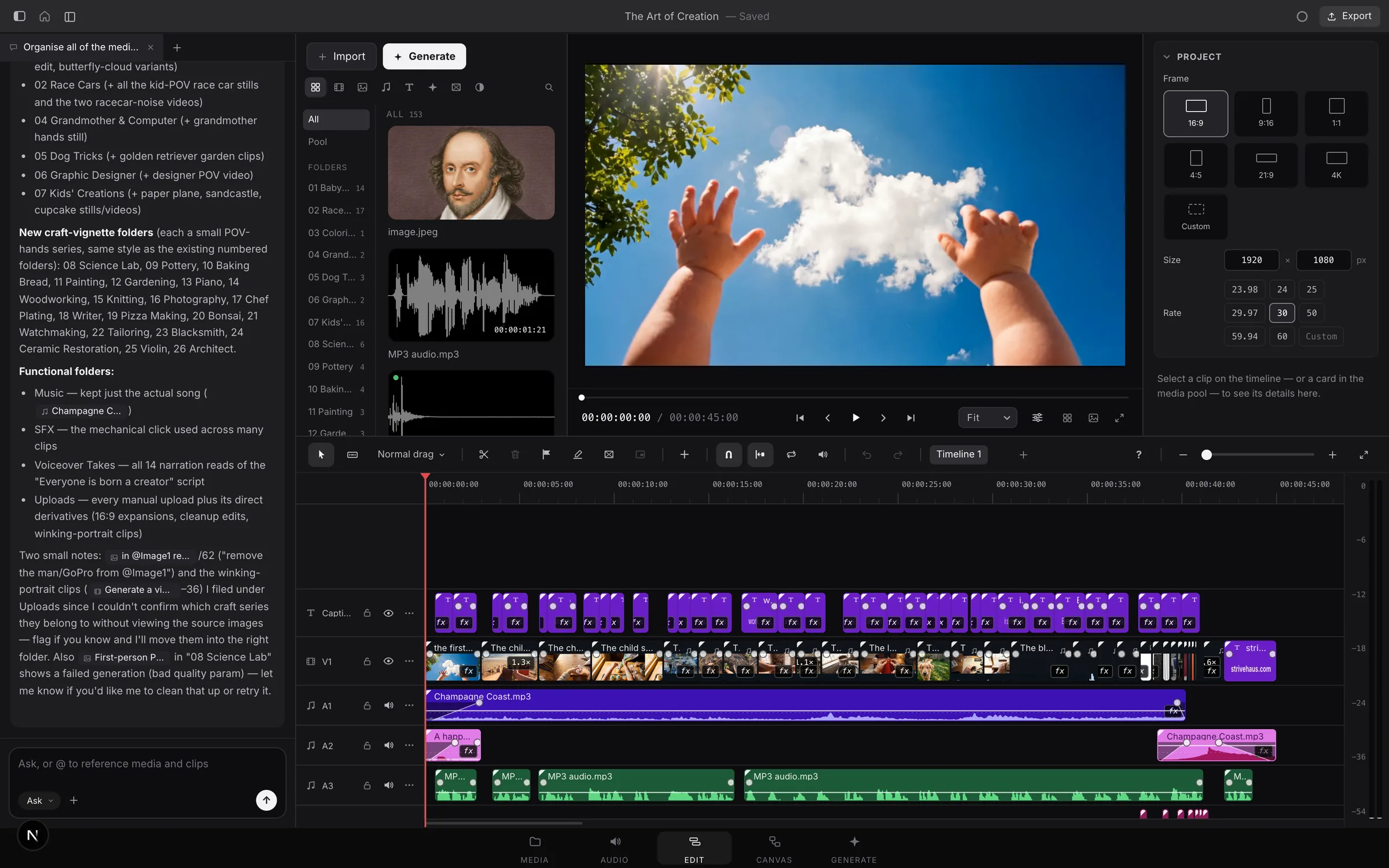
The performance lands on the board and can go straight onto the timeline, where the original audio sits on its own track under the picture. Cut away to other shots and back, add captions, and score it. The agent can do the whole chain for a scene: voice, face, performance and edit.
Getting good results from OmniHuman
Direct the voice, not the face
OmniHuman reads emotion from the audio. A flat read gives a flat performance, so redo the voice until it carries the feeling, then animate it.
Cut long scenes into beats
A 60-second take is possible, but three 20-second beats give you cutaway points and room to change camera between them.
Start from a neutral, well-lit face
An open mouth, hard shadows or a hand over the chin all fight the animation. A calm, evenly lit portrait gives the model the most to work with.
Use it for music videos
Feed it an isolated vocal rather than the full mix, so the model follows the singer and not the drums. See the music video guide for a full workflow.
When another model is the better pick
For a talking shot that will intercut with Kling footage, Kling Avatar keeps the look closer to Kling's own shots. For a short line inside a moving scene with other action, a video model that makes dialogue in the same pass, such as Grok Imagine 1.5 or Veo 3.1, may suit better.
If you're comparing avatar tools like HeyGen, Hedra or Synthesia, the difference with Tenet is that the avatar is one shot in a film: the voice, the other shots, the music and the edit are in the same Mac app. Read more in the AI lip sync guide.
Questions about OmniHuman
Who makes OmniHuman?
ByteDance. Its OmniHuman 1.5 paper was published in August 2025, and press reports say OmniHuman 2.0 was released in October 2026.
How long can an OmniHuman video be in Tenet?
As long as the audio you give it, up to 60 seconds. OmniHuman 2 needs at least 4 seconds of audio and OmniHuman 1.5 at least 2.
Can OmniHuman make a character sing?
Yes. Give it a sung vocal instead of speech. An isolated vocal track usually gives cleaner mouth movement than a full mix.
OmniHuman 2 or OmniHuman 1.5?
Both take one face picture and one audio clip. OmniHuman 1.5 lets you choose 720p or 1080p and accepts clips from 2 seconds. Try the same picture and audio on both and keep the better take.
Can I use OmniHuman videos commercially?
You own what you generate in Tenet, and each model's own terms apply to its output. Check ByteDance's terms for your use, use faces and voices you have the rights to, and see Tenet's AI content policy.
The specs above are what Tenet offers, checked against the app on 2026-11-12. Background on OmniHuman comes from ByteDance and the press, and can change: ByteDance: OmniHuman 1.5 paper (arXiv).