
Video model · Google
Veo 3.1 on your Mac
Veo 3.1 is Google's video model, built to turn a written description into a shot with its own sound. Tenet, the AI film studio for Mac, has it in three versions, Veo 3.1, Fast and Lite, all working from a prompt.
The short answer
Yes, you can use Veo 3.1 on a Mac in Tenet, along with Veo 3.1 Fast and Veo 3.1 Lite, with no Google account or API key. In Tenet all three are text-to-video: you write a prompt and get a 4, 6 or 8 second shot at 720p or 1080p, in 16:9 or 9:16. Veo makes its own sound, which you can switch off.
Veo 3.1 in Tenet
| Made by | |
|---|---|
| Versions in Tenet | Veo 3.1, Veo 3.1 Fast, Veo 3.1 Lite |
| Works from | A text prompt (text-to-video only in Tenet) |
| Resolution | 720p or 1080p |
| Clip length | 4, 6 or 8 seconds |
| Frame shapes | 16:9, 9:16 |
| Sound | Makes its own sound; a switch turns it off. With sound costs about twice the silent price |
| Pays with | Tenet credits. A credit is a cent, and the app shows an estimate before you generate |
What Veo 3.1 is good at
Shots from words alone
Veo 3.1 needs nothing but a prompt. For establishing shots, cutaways, weather, crowds and city streets, where no particular face has to match, you can describe the shot and get it.
Native sound
Google released Veo 3.1 on October 15, 2025 and says it brings richer native audio. Ambience, effects and spoken lines come with the shot. Turn sound off and the price roughly halves.
Following the prompt
Google also says Veo 3.1 improves realism and prompt adherence over Veo 3. So it pays to be specific about lens, light and movement in the prompt.
A cheap draft tier
Veo 3.1 Lite launched on March 31, 2026. The press reported it runs at the same speed as Fast for under half the price, with the same 720p or 1080p sizes and 4, 6 or 8 second lengths.
How to use Veo 3.1 in Tenet
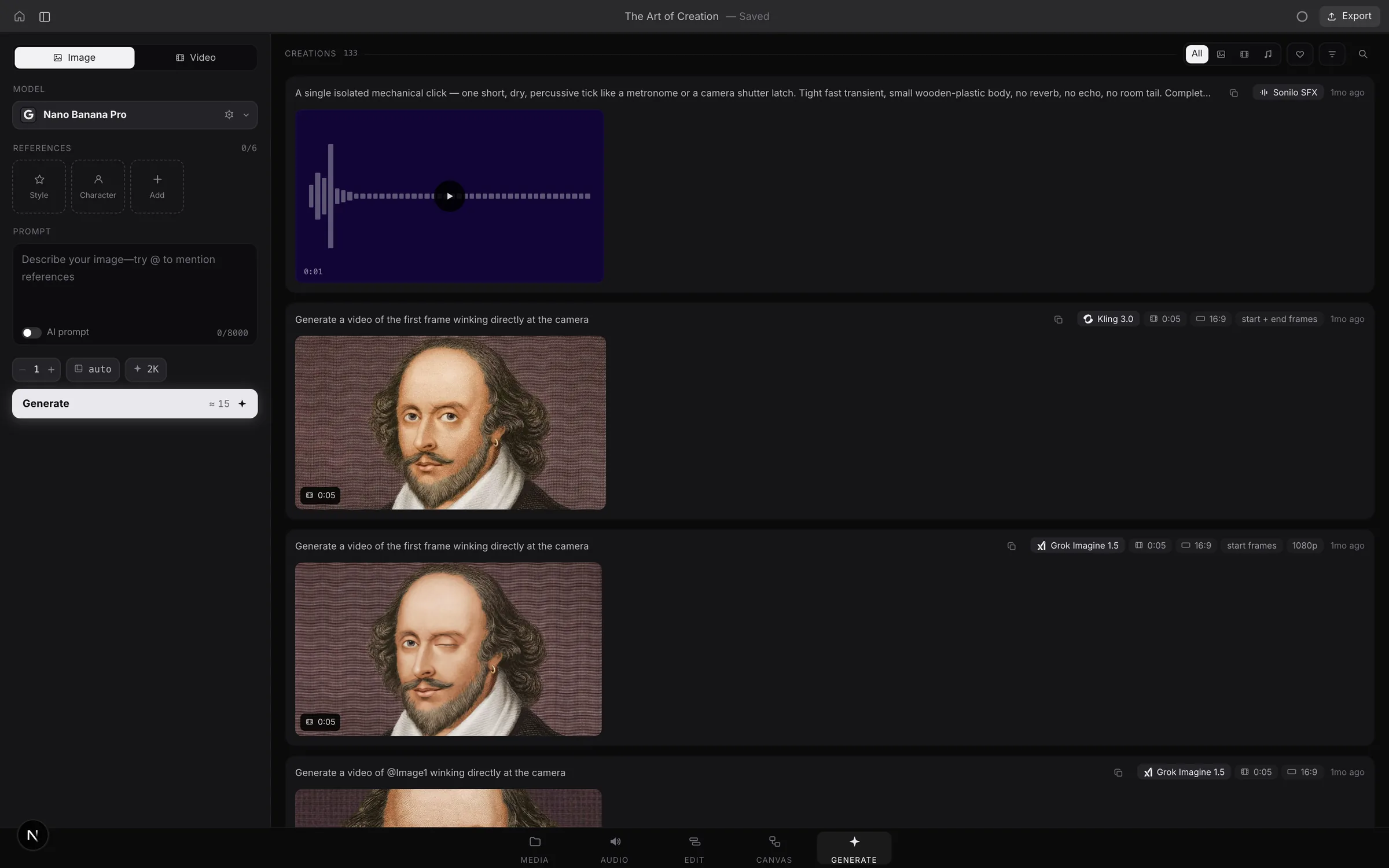
Add a video card, pick a Veo version and write the shot as a sentence or two: subject, action, setting, light, lens, camera move, and what we should hear. Choose 720p or 1080p, 4, 6 or 8 seconds, and 16:9 or vertical 9:16. In Tenet, Veo works from the prompt alone, so put everything that matters into the words.
Use the three versions in order. Try wording on Veo 3.1 Lite until the shot is roughly right, check timing on Veo 3.1 Fast, and render the keeper on Veo 3.1. Keep sound off while you draft, since a take with sound costs about twice a silent one, and turn it on for the final.
Each take lands on the board with the prompt and version attached, and running one prompt on two versions puts them side by side. Cut the keeper into the timeline next to your other shots, mix it with voice and score, and export.
Getting good results from Veo 3.1
Name the sound
Veo listens to the prompt for audio too. "Distant traffic, a kettle starting to whistle, no music" gets you a cleaner track than leaving sound to chance.
Write one shot per prompt
With 8 seconds at most, Veo is for a single shot. Describe one camera setup and one action. Build the sequence on the timeline.
Use 6 seconds as the default
Four seconds can feel clipped and eight is the ceiling. Six often gives the action room to land with a beat to cut on.
Draft at 720p
Composition and motion show clearly at 720p on Fast or Lite. Save 1080p on the full model for the take that goes in the film.
When another model is the better pick
Be clear about one limit. In Google's own Flow app, Veo 3.1 adds reference images, first and last frame and extend, but in Tenet Veo is text-to-video only. When a shot must start from a specific frame, like your character sheet or the last frame of the previous shot, use Kling 3.0 Pro, Seedance 2.5 or Wan 3.0, which take a start frame in Tenet.
If you only want Veo in a browser, Google Flow is a fine home for it; see Tenet vs Google Flow. For a film that needs Veo for its wide shots, another model for its characters, voices, music and a real timeline, that's the case for Tenet. And for shots past 8 seconds, Seedance and Wan go to 30.
Questions about Veo 3.1
Can Veo 3.1 animate my image in Tenet?
No. In Tenet, Veo 3.1, Fast and Lite work from a text prompt only. To start a shot from your own frame, use Kling 3.0 Pro, Seedance or Wan 3.0, which all accept a start frame.
What is the difference between Veo 3.1, Fast and Lite?
They share the same sizes, lengths and shapes in Tenet. Veo 3.1 is Google's full model, Fast is quicker, and Lite is the low-cost option the press described as matching Fast's speed for under half the price.
How long can Veo 3.1 videos be?
4, 6 or 8 seconds per clip in Tenet. Longer scenes are cut together from several shots on the timeline.
Does Veo 3.1 make sound?
Yes, it makes sound with the picture. In Tenet a switch turns it off, and a take with sound costs about twice the silent price.
Can I use Veo 3.1 videos commercially?
You own what you generate in Tenet, and each model's own terms apply to its output. Check Google's terms for your use, and see Tenet's AI content policy. You don't need a Google account to generate.
The specs above are what Tenet offers, checked against the app on 2026-11-12. Background on Veo 3.1 comes from Google and the press, and can change: Google: Veo updates in Flow, 9to5Google: Veo 3.1 Lite.