
Video model · ByteDance
Seedance 2.5 on your Mac
Seedance 2.5 is ByteDance's video model for long, multi-shot clips. In Tenet, the AI film studio for Mac, it's the model to pick when a scene needs to run half a minute and you have a pile of pictures, clips and sound that should steer it.
The short answer
Yes, you can use Seedance 2.5 on a Mac through Tenet, with no ByteDance account or API key. It makes clips from 4 to 30 seconds at 480p, 720p or 1080p, from a prompt, a start frame (with an optional end frame) or up to 50 references: 30 images, 10 video clips and 10 audio clips. It can make its own sound, and every take lands on your board, ready to cut.
Seedance 2.5 in Tenet
| Made by | ByteDance |
|---|---|
| Versions in Tenet | Seedance 2.5 |
| Works from | A prompt; a start frame with an optional end frame; or references |
| References | Up to 30 images, 10 video clips (1.8 to 30 seconds each) and 10 audio clips (up to about 30 seconds each), 50 in total |
| Resolution | 480p, 720p or 1080p |
| Clip length | 4, 5, 8, 10, 12, 15, 20, 25 or 30 seconds |
| Frame shapes | 21:9, 16:9, 4:3, 1:1, 3:4, 9:16 |
| Sound | Can make its own sound with the picture; a switch turns it off |
| Pays with | Tenet credits. A credit is a cent, and the app shows an estimate before you generate |
What Seedance 2.5 is good at
Half a minute in one take
ByteDance announced Seedance 2.5 in June 2026, and the press reported 30-second clips from a single prompt. In Tenet you can pick 20, 25 or 30 seconds, long enough for a whole beat of a scene: an entrance, a line, a reaction.
Steering with many references
Press reports put the reference limit at 50 inputs, up from 12 in Seedance 2.0. That's room for a cast sheet, a location, a wardrobe board, a camera move you liked in another clip and the line of dialogue you want spoken, all in one job.
Sound made with the shot
Seedance 2.5 generates audio with the video, so footsteps, room tone and the rustle of a coat come out in sync. If the film is narrated, turn sound off and score it on the timeline instead.
Wide frames
It takes 21:9 as well as the usual 16:9 and vertical shapes, which suits a film that wants a letterboxed, cinematic frame without cropping later.
How to use Seedance 2.5 in Tenet
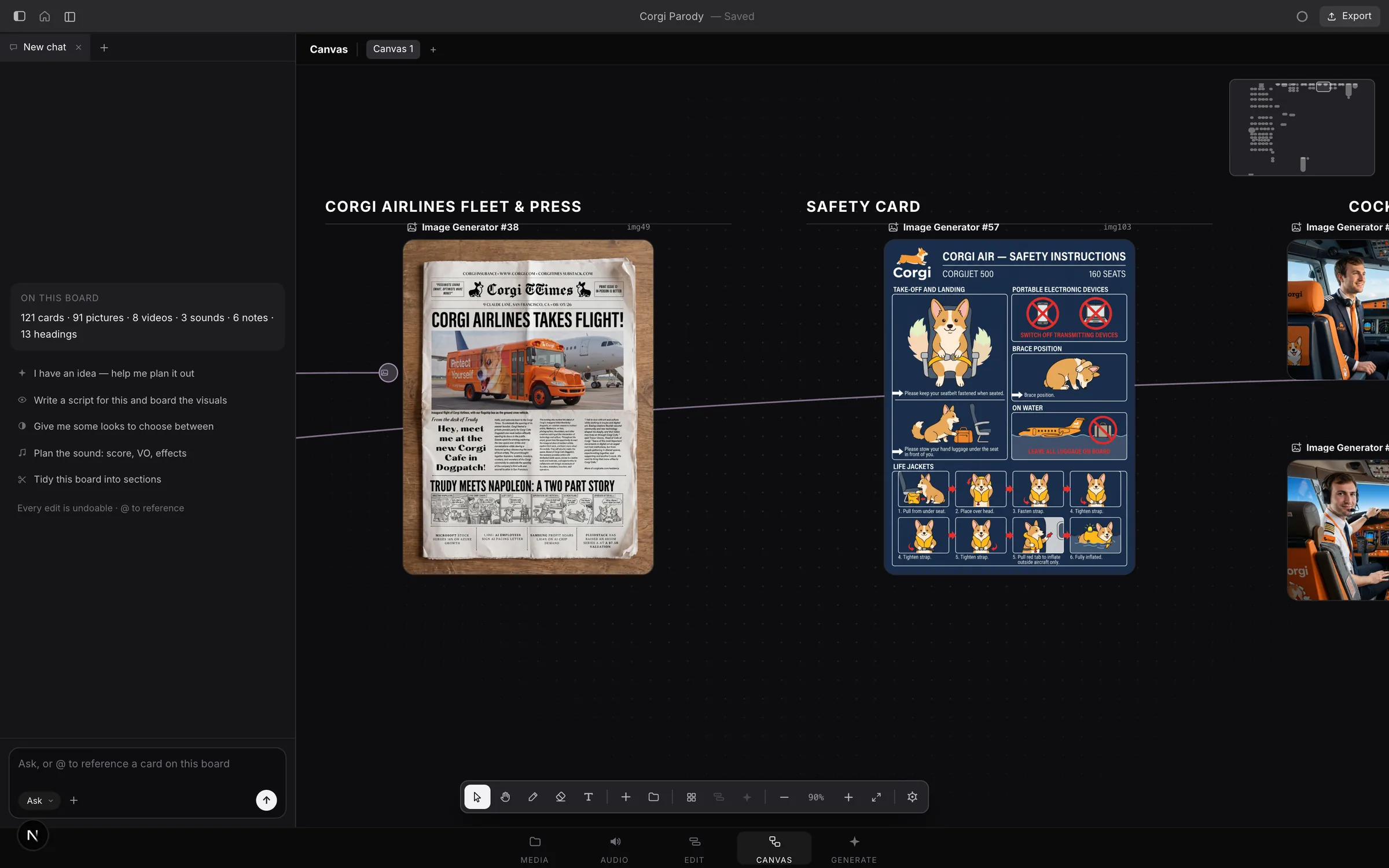
Start on the board. Lay out what the scene needs before you write a word of prompt: the character sheet, the location still, a reference clip for the camera move, a recorded line or a music cue. Then add a video card, pick Seedance 2.5 and wire those pieces into it. With up to 30 pictures, 10 clips and 10 audio files allowed, you rarely have to choose which reference to leave out.
Write the prompt as a short shot list rather than one sentence. For a 30-second clip, say what happens first, what happens next and where the camera ends up. Choose the length, the resolution and the frame shape, check the credit estimate beside Generate, and press it. A job that fails costs nothing.
The take lands on the board with its prompt, references and settings attached. Drag it to the timeline, trim it, lay voice and score under it, and export in H.264, H.265 or ProRes 422 up to 4K. Or hand the scene to the agent: in Plan mode it writes the shot plan for free, and in Ask mode it checks with you before each Seedance job.
Getting good results from Seedance 2.5
Draft short, then go long
A 30-second 1080p clip is a big job. Try the idea at 480p and 8 or 10 seconds first. When the staging works, run the full length at 1080p with the same references.
Give each reference one job
A picture for the face, a picture for the place, a clip for the motion, a clip of audio for the voice. References that overlap or contradict each other pull the model in two directions.
Use the end frame for a landing
If a long take must end on a specific composition, say a close-up that cuts to the next scene, give Seedance 2.5 that frame as the end frame. The middle is still the model's, but the landing is yours.
Keep shots inside one scene
A long clip holds together best when it stays in one place and time. For a jump to a new location, start a new clip and join them on the timeline.
When another model is the better pick
For short, punchy shots under 15 seconds, Seedance 2.0 and its Fast and Mini versions take references too and cost less to draft with. For a move from one picture to another with strong physical motion, run the same frames through Kling 3.0 Pro and compare.
If what you need is a long take driven by a voice or a music track, Wan 3.0 also runs to 30 seconds with audio references. And for a prompt-only shot with sound and no references at all, Veo 3.1 is a solid second opinion.
Questions about Seedance 2.5
Who makes Seedance 2.5?
ByteDance. It was announced on June 23, 2026 at ByteDance's Volcano Engine FORCE event in Beijing, and its public release was reported around July 31, 2026.
How long can Seedance 2.5 videos be?
In Tenet you can choose 4, 5, 8, 10, 12, 15, 20, 25 or 30 seconds per clip. Longer scenes are built by joining clips on the timeline.
How many references can Seedance 2.5 use?
Up to 50 in total in Tenet: as many as 30 images, 10 video clips of 1.8 to 30 seconds and 10 audio clips of up to about 30 seconds.
Is Seedance 2.5 free?
Tenet is free to download and the editor is free. Generating with Seedance 2.5 uses credits: a credit is a cent, top-ups start at $10, and plans from $47 a month add credits that roll over and never expire.
Can I use Seedance 2.5 videos commercially?
You own what you generate in Tenet, and each model's own terms apply to its output. Check ByteDance's terms for your use, and see Tenet's AI content policy.
The specs above are what Tenet offers, checked against the app on 2026-11-12. Background on Seedance 2.5 comes from ByteDance and the press, and can change: TechNode: ByteDance launches Seedance 2.5, The Next Web on Seedance 2.5.