
How to make an AI music video
Music videos are the most forgiving format for AI, and the most demanding on timing. The song tells you everything, so start there.
The short answer
To make an AI music video, start with the finished track, mark its sections, plan one visual idea per section, build references for your performer, then generate shots and cut them to the beat. Tenet, the AI film studio for Mac, lets you import or generate the song, generate shots from 22 video models, and cut everything on one timeline.
Should you start with the song or the pictures?
Always the song. A music video is cut to a fixed length with fixed beats, and the pictures have to serve those. Import your finished track, or generate one with a music model such as ElevenLabs Music 2.5 or MiniMax Music 2.6. Tenet also has MiniMax Music Reference if you want a track that follows an existing piece.
When generating a score, write it like a composer's brief. Name the instruments and how they're played, the tempo in beats per minute, the key, and how the arc of the track moves. Say what's absent too, such as no vocals or no drums. A mood word on its own tends to come back sounding like generic background music.
How do you plan the visuals to the track?
Map the structure
Write down where each verse, chorus and bridge begins, in seconds. Give each section one visual idea.
Decide on the concept
Performance, narrative, or abstract imagery. Most good AI music videos pick one and repeat it with variation.
Budget your shots
AI clips are short, so a three-minute song can need dozens of shots. Reuse your strongest ones across choruses.
Plan for the fast cuts
Choruses often want shorter shots. Generate five seconds and use two of them.
How do you make a performer sing?
You have two routes. For a close-up, generate a start frame of the performer and drive it with the vocal using a lip sync or talking-character model. Tenet includes Sync Lipsync 3, Kling Lipsync, Kling Avatar 2.0 and OmniHuman 2. Seedance 2 models can also take an audio reference.
For wider shots, you often don't need lip sync at all. A performer seen from behind, in silhouette or in motion carries a song just as well, and costs less. See AI lip sync for film for more on the close-up route.
How do you stay consistent over three minutes?
Make a character sheet for the performer and keep a one-sentence description of the look that you reuse in every prompt. A music video can get away with wild changes between sections, but your artist's face still needs to be the same. Our guide to keeping characters consistent walks through the references to make.
How do you cut it?
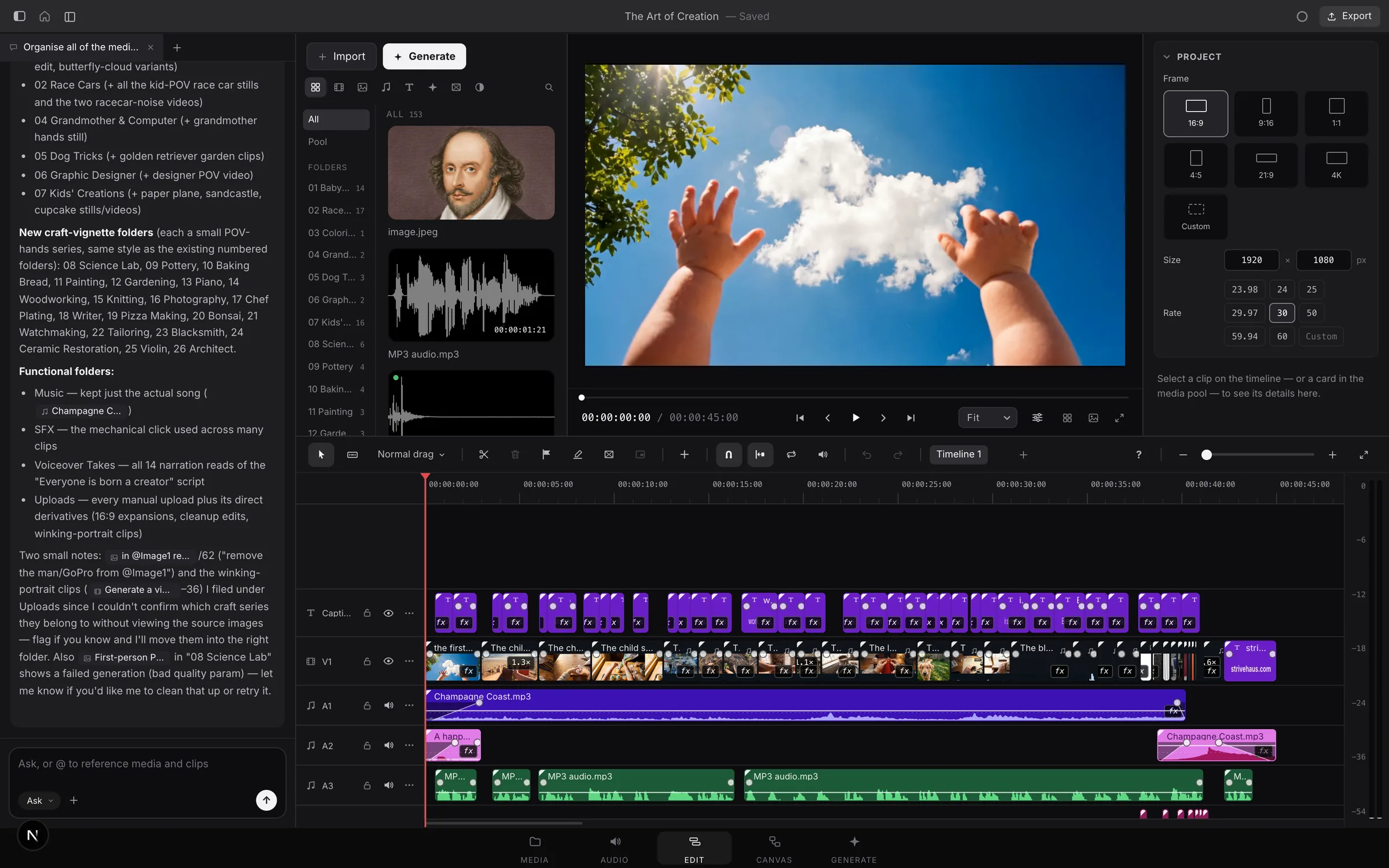
Lay the track on the timeline first and treat it as fixed. Drop your shots on top, chorus by chorus. Cut on the beat for energy and let the slower sections breathe. Turn off the sound built into each generated clip, so nothing fights the song.
In Tenet everything you've generated is already in the media pool, so you aren't downloading and importing between attempts. You can also ask the agent for a specific change, such as swapping a shot at a given moment or adding a sound at exactly 15 seconds.
What should you watch out for?
Check the rights to your track and to the models you used. Music you generate is subject to that model's terms, and some limit commercial use, which matters if you plan to release it. Tenet is a Mac app for Apple silicon, so a Windows setup would need a different route. Suno is a popular choice for writing full songs if you want a separate songwriter, and you can import the result. Tenet vs Suno.
Questions
Can I use my own song?
Yes. Import the track and build the video on the timeline around it.
Can AI make a character sing to my track?
Yes. Tenet includes lip sync and talking-character models, and some Seedance models take an audio reference.
How much does a music video cost?
It depends on the number of shots and the models. A 5-second 720p clip on Seedance 2.5 is about 350 credits, or $3.50, and you can reuse strong shots across choruses.
Can I export for YouTube?
Yes. Tenet exports H.264, H.265 and ProRes 422 up to 4K.