
Tenet vs Hedra
Hedra is known for expressive talking characters. Tenet, the AI film studio for Mac, gives your character a world to talk in: planned scenes, a choice of avatar and lipsync models, a score, and an edit.
The short answer
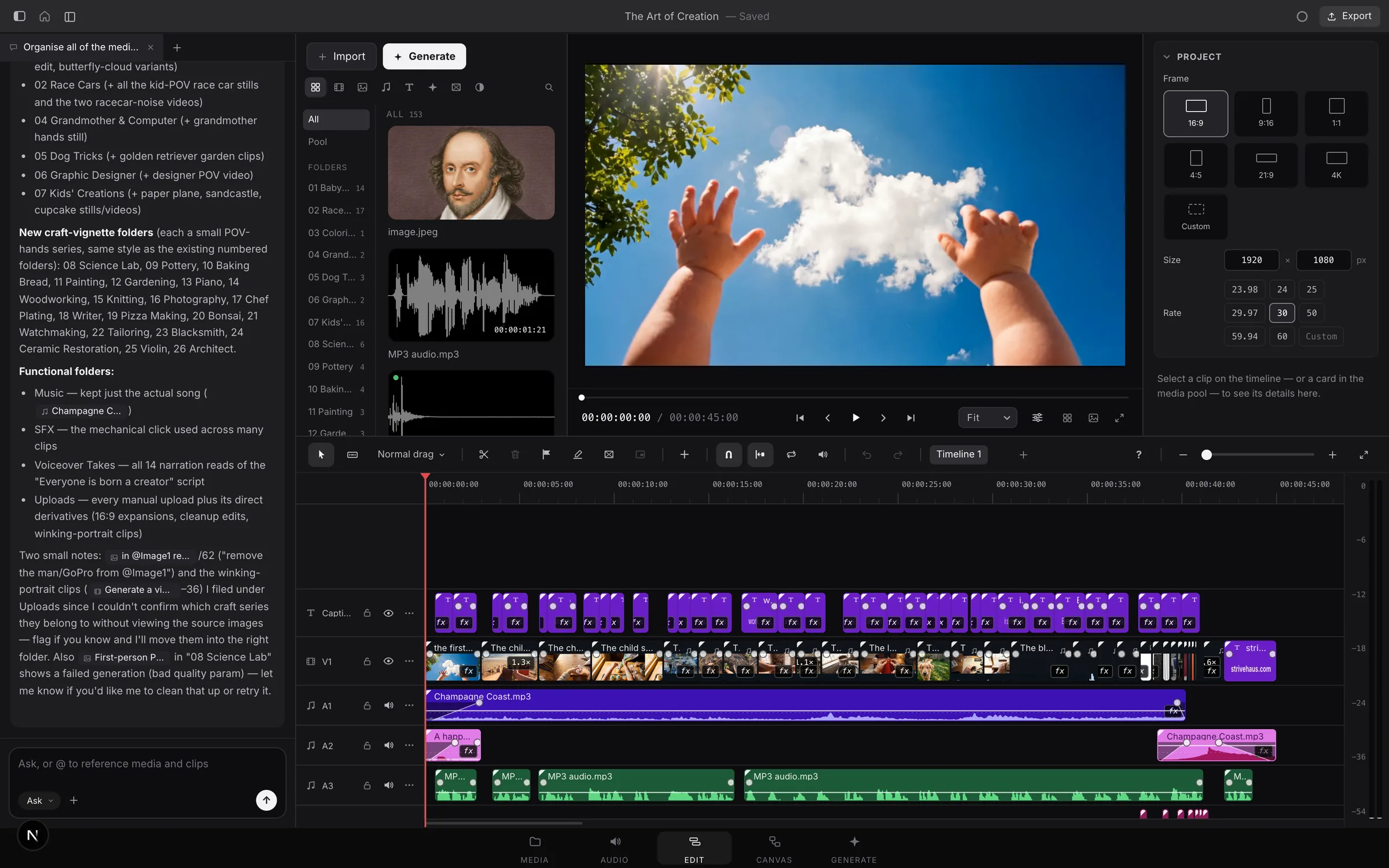
Tenet is the better choice when a talking character is part of a bigger film. It offers Kling Avatar 2.0, OmniHuman 2 and several lipsync models beside 63 total models and a real timeline, in one Mac app. Hedra suits creators who mainly want one expressive talking shot from its Character-3 model.
Tenet and Hedra, side by side
| Feature | Tenet | Hedra |
|---|---|---|
| Where it runs | Mac app (Apple silicon, macOS 13.3 or later). No browser or Windows version. | Web and API. |
| Price | Free download and free editor. Plans at $47, $97 and $197 a month. Top-ups from $10. | A pricing tracker lists Basic $20, Pro $50, Ultra $100 and Teams $75 a month after a September 2026 repricing. Its own pricing page shows API prepay. |
| Models | 63 models from many makers, including Veo 3.1, Kling 3.0, Seedance 2.5, Nano Banana Pro, GPT Image 2.5 and ElevenLabs, on one credit balance. | Its own Character-3, plus Hailuo according to the same tracker. |
| Agent | Built in. It plans on the board, generates and edits the timeline. It asks before it spends, and anything it changes can be undone. | Hedra Agent, described as a workspace for multi-step work. |
| Voice, music, sound | Voices, music and sound effects generated in the app and mixed on the timeline. | Speech, music, sound effects and voice cloning through its API. |
Details about Hedra were checked against its own pages on 2026-11-09 and can change. Sources: Hedra pricing, UsagePricing tracker, Hedra on Trustpilot.
Why people choose Tenet over Hedra
A character is one shot in a film
Talking-head tools do a great job with the moment someone speaks. Tenet handles what comes before and after it: establishing shots, cutaways, narration, music, titles and the cut that makes it all feel like a scene.
Several ways to make someone talk
Tenet includes Kling Avatar 2.0 Pro, OmniHuman 2, InfiniteTalk, Fabric 1.0 and clip tools such as Sync Lipsync 3 and Kling Lipsync. Try one line on two models and keep whichever suits your character.
The same face in every shot
Tenet's agent makes a character sheet before anything is generated, and each shot draws on it. When your character walks into a new location, you are still looking at the same person.
Keep what you've paid for
Tenet's credits never expire, and a job that fails costs nothing. On Trustpilot in November 2026, Hedra held a 1.7 rating across 76 reviews, with reviewers reporting renewals, credits lost on unusable output, and refund trouble.
When Hedra is the better fit
If all you need is a single expressive talking character from a portrait, in a browser, Hedra's Character-3 is built for that job. Tenet is a bigger app than that task needs, and it runs on Apple silicon Macs.
Questions about Tenet and Hedra
Can Tenet make a character talk?
Yes. It includes avatar and lipsync models such as Kling Avatar 2.0, OmniHuman 2, InfiniteTalk and Sync Lipsync 3.
Can I use my own voice recording?
Yes. Import a voice take and use it to drive a character's lip sync on the board, or place it on the timeline.
Is Hedra an editor?
Hedra's pricing page doesn't list a timeline editor. Tenet includes a multi-track timeline, and it is free.
Who owns the characters I make in Tenet?
You keep ownership of what you import and generate. Each model's own terms apply to its output, and some limit commercial use.