
Video model · Kuaishou
Kling Avatar on your Mac
Kling Avatar is Kuaishou's lip sync model, from the team behind Kling video. You give it one picture and a voice, and the person in the picture says or sings it. Tenet, the AI film studio for Mac, has both the 2.0 Pro and standard 2.0 tiers, next to Kling 3.0 for the rest of your shots.
The short answer
Yes, you can use Kling Avatar on a Mac with Tenet; you won't need a Kling AI account. Tenet offers Kling Avatar 2.0 Pro and Kling Avatar 2.0: each takes one image and one audio clip of 2 to 60 seconds and returns a video of that character talking or singing. It runs on the same credits as Kling 3.0 and every other model in the app.
Kling Avatar in Tenet
| Made by | Kuaishou (Kling) |
|---|---|
| Versions in Tenet | Kling Avatar 2.0 Pro, Kling Avatar 2.0 |
| Works from | One image plus one audio clip (both required) |
| Audio length | 2 to 60 seconds |
| Output | A talking or singing video of the pictured character |
| Pays with | Tenet credits. A credit is a cent, and the app shows an estimate before you generate |
What Kling Avatar is good at
Long takes that hold up
Kuaishou's technical report for Kling Avatar 2.0 describes a design aimed at long, high-resolution avatar video. In Tenet that means up to a minute of speech or song from one picture.
Matching your Kling shots
If the rest of the scene comes from Kling 3.0, a close-up from the same maker's avatar model tends to sit comfortably next to it in the cut.
Two tiers for two jobs
Kling Avatar 2.0 is for drafts and checking timing. Kling Avatar 2.0 Pro is the tier to run for the take you plan to keep.
Speech or song
The input is any audio clip, so the same tool covers a line of dialogue, a voiceover delivered on camera, or a chorus in a music video.
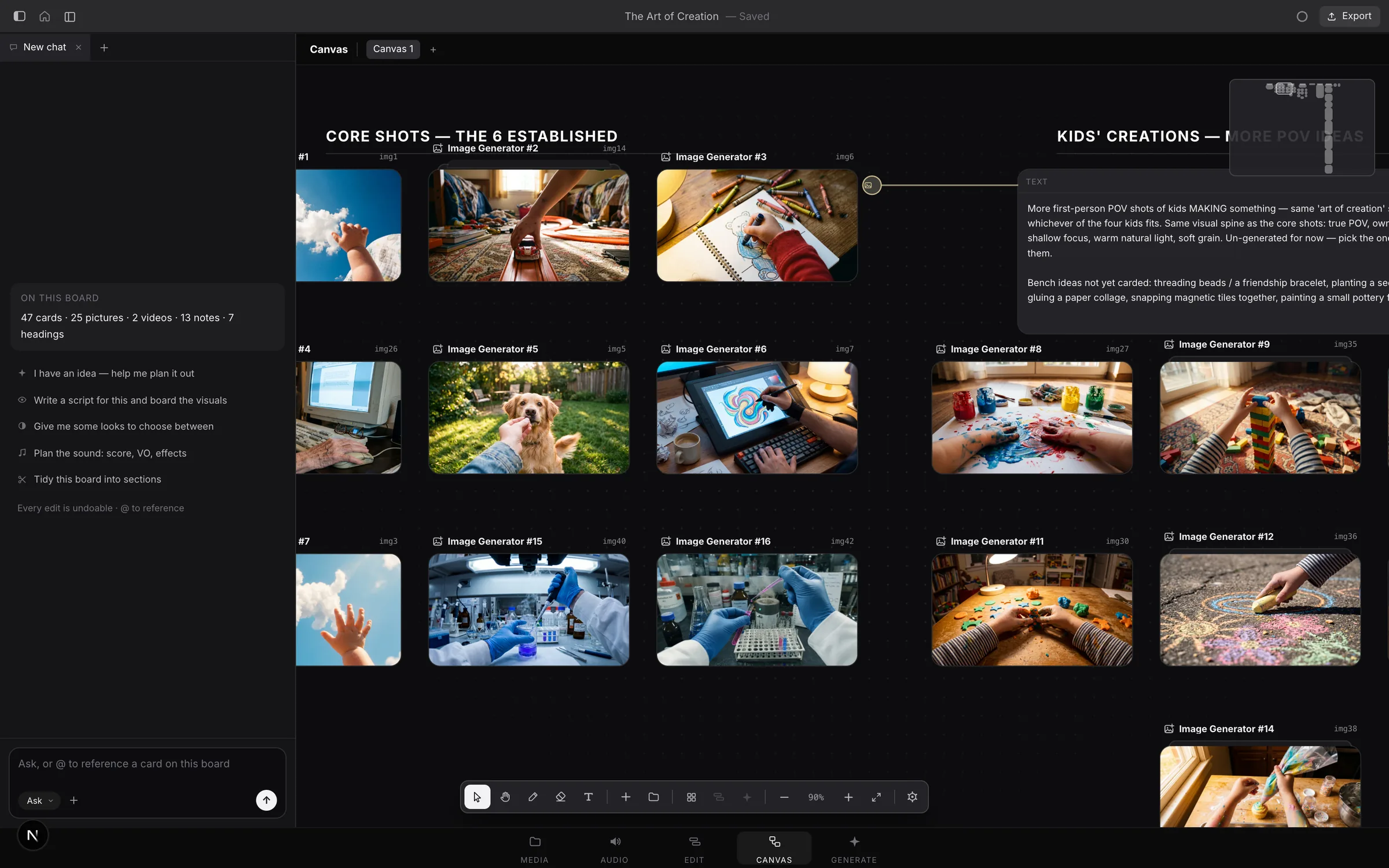
How to use Kling Avatar in Tenet
Get the audio ready: a line from ElevenLabs v4, a vocal stem, or a recording you imported. Anything from 2 to 60 seconds works. Then pick the picture, ideally the same character frame you used as the start image for your Kling 3.0 shots, so the face matches.
Choose Kling Avatar 2.0 in the model menu for a first pass, wire the image and the audio into the card from the board, and generate. The estimate sits next to the button. Watch the take for timing and mouth shapes, and when it works, run the same pair on Kling Avatar 2.0 Pro for the final.
Put the result on the timeline between your Kling 3.0 wide shots and cutaways. The voice track stays separate under the picture, so you can mix it with music and effects, add captions, and export the scene. Ask the agent and it can lay out the whole exchange: voices, avatars and the cut.
Getting good results from Kling Avatar
Draft on 2.0, finish on Pro
Timing problems usually come from the audio, not the tier. Fix pauses and pacing on standard runs, then spend on Pro once the read is right.
Reuse your start frame
Using the exact frame from a Kling 3.0 shot as the avatar picture makes the cut from wide to close-up feel continuous.
Trim silence from the clip
Long gaps at the start or end become dead air on screen. Trim the audio to the performance before you wire it in.
Frame for the mouth
A medium close-up where the face fills a good part of the frame gives the clearest lip sync. A tiny face in a wide shot gives the model little to animate.
When another model is the better pick
Tenet has four ways to make a picture talk. Pick Kling Avatar when the shot cuts against Kling footage. Pick OmniHuman when you want a broader, more expressive performance with gestures driven by what's being said. InfiniteTalk is a lighter option for talking heads, taking up to 28 seconds of audio at 480p or 720p. Fabric 1.0 from VEED takes up to 60 seconds at 480p or 720p.
For a line said inside a moving scene, a video model that writes dialogue in the same pass, like Grok Imagine 1.5, can be simpler. If you only want Kling's own tools in a browser, the Kling AI app is fine. A film needs voice, other models and an editor too, which is where Tenet fits. More in the AI lip sync guide.
Questions about Kling Avatar
Who makes Kling Avatar?
Kuaishou, the company behind Kling. The first Kling Avatar arrived in September 2025, and Kling Avatar 2.0 followed in December 2025 during Kling's Omni Launch Week.
How long can a Kling Avatar video be in Tenet?
It follows the audio you give it, from 2 to 60 seconds.
What is the difference between Kling Avatar 2.0 Pro and 2.0?
Both take one image and 2 to 60 seconds of audio. Pro is Kling's higher tier, for finals. Standard 2.0 is the one to use for drafts and timing checks.
Kling Avatar or OmniHuman?
Kling Avatar fits best when your scene is built from Kling 3.0 shots. OmniHuman aims for expressive, full-body performance. In Tenet you can run the same picture and audio on both and compare.
Can I use Kling Avatar videos commercially?
You own what you generate in Tenet, and each model's own terms apply to its output. Check Kuaishou's terms for your use, use faces and voices you have the rights to, and see Tenet's AI content policy.
The specs above are what Tenet offers, checked against the app on 2026-11-12. Background on Kling Avatar comes from Kuaishou and the press, and can change: Kuaishou: Kling Avatar 2.0 technical report (arXiv).