
Image model · Black Forest Labs
FLUX Kontext Max on your Mac
FLUX Kontext Max is the top tier of Black Forest Labs' Kontext models. In Tenet, the AI film studio for Mac, it makes images from a prompt, and it's one of the models that can draw a true 21:9 cinemascope frame.
The short answer
Yes. FLUX Kontext Max runs on a Mac in Tenet, with no Black Forest Labs account or API key. In Tenet it works from a text prompt only, with no reference images, and it renders in eight frame shapes from 21:9 to 9:16. It's paid for with the same credits as every other model in the app.
FLUX Kontext Max in Tenet
| Made by | Black Forest Labs (FLUX.1 Kontext [max]) |
|---|---|
| Versions in Tenet | FLUX Kontext Max |
| Works from | A text prompt (no reference images in Tenet) |
| Frame shapes | 21:9, 16:9, 4:3, 3:2, 1:1, 2:3, 3:4, 9:16 |
| Pays with | Tenet credits. A credit is a cent, and the estimate shows before you generate |
What FLUX Kontext Max is good at
Doing what the prompt says
Black Forest Labs released Kontext [max] in May 2025 as the top of its Kontext suite, saying it improves prompt adherence over the rest of the line without giving up speed. Write a precise shot description and you can expect it to be followed closely.
Wide, cinematic frames
21:9 is in its shape list. That's the letterboxed width of a widescreen feature, useful for an establishing shot, a landscape that opens the film or a background for the title.
Type in the frame
Black Forest Labs also points to better typography in Kontext [max]. A title over a wide landscape, or a name painted on the side of a boat, is within reach.
How to use FLUX Kontext Max in Tenet
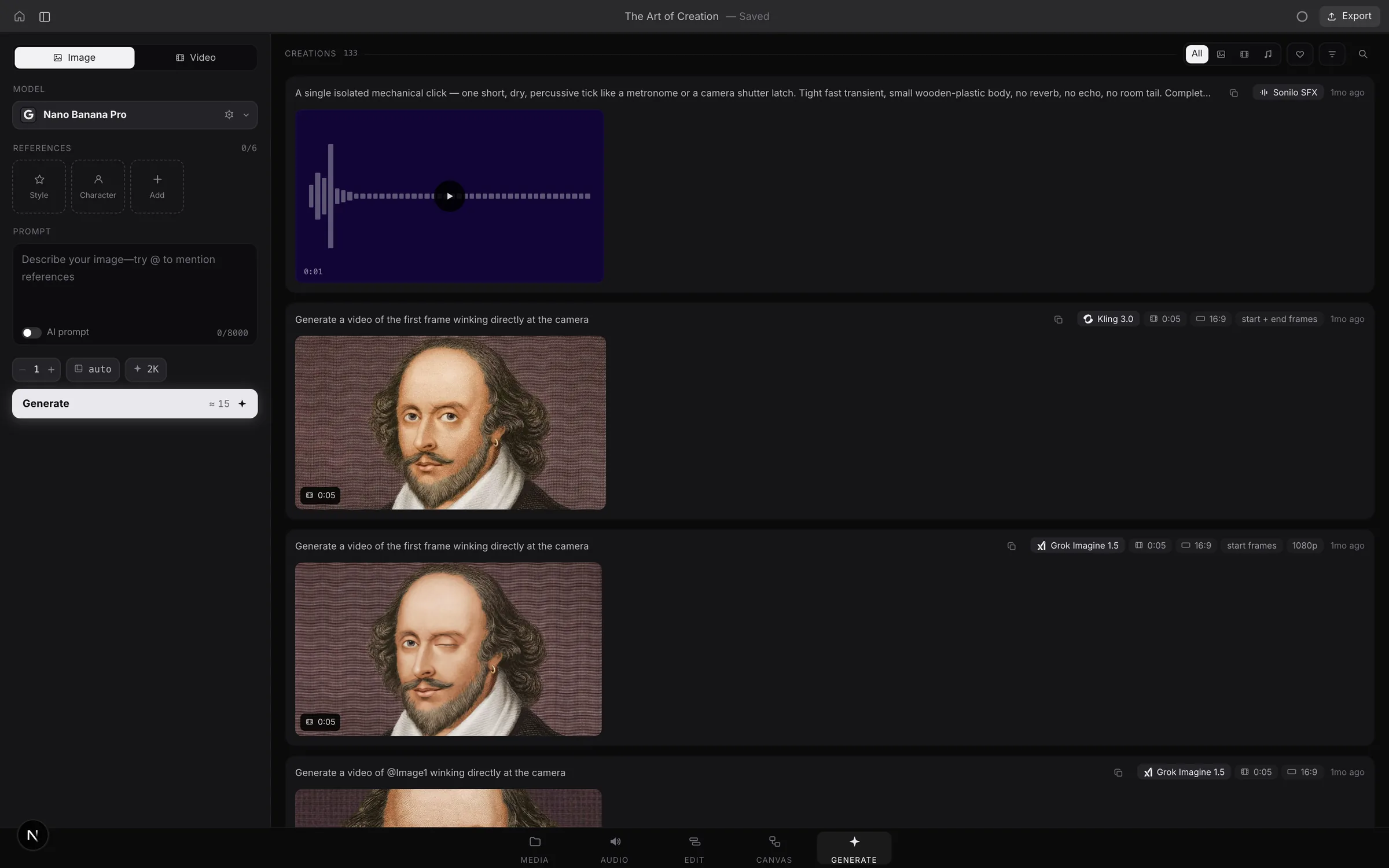
Choose FLUX Kontext Max from the model menu and set the shape before you write. For an opening landscape or a title background, pick 21:9. Because Kontext Max works from words alone in Tenet, the prompt carries everything: subject, setting, light, lens and where the empty space should sit if text will go over it.
Press Generate once the estimate looks right. Results land on the board with the prompt attached. Run two or three wording variations in a row and compare them in the feed, or send the same prompt to another image model to see a different reading of the scene.
A good 21:9 frame can become the film's first shot as a start frame for a video model, or sit on the timeline as a still behind the opening titles. If you want to change something in a Kontext frame, wire it into Nano Banana Pro or GPT Image 2.5, which do edit from references in Tenet.
Getting good results from FLUX Kontext Max
Leave room for titles
If the frame is a title background, say so in the prompt: "empty sky across the top third" or "dark water in the lower half". You'll have clean space for the title you add on the timeline.
Order the prompt like a shot list
Start with the camera and framing, then the subject, then the setting and the light. A prompt that reads like a shot description tends to come back as one.
Mind the edges of 21:9
A very wide frame has a lot of side space. Give it something: a coastline, a row of buildings, two figures far apart. Otherwise the edges fill with filler.
Hand edits to another model
Kontext Max doesn't take reference images in Tenet. Black Forest Labs also notes that across the Kontext suite, artifacts can build up over many rounds of editing and instructions are sometimes ignored. Generate fresh with Kontext, then make changes elsewhere.
When another model is the better pick
For edits from reference pictures, Kontext's reputation elsewhere doesn't apply inside Tenet. Use Nano Banana Pro for character-led edits and GPT Image 2.5 for precise changes to text and props. Seedream 5.0 Lite also edits from up to 10 references.
Black Forest Labs lists limited world knowledge among the suite's limits, so a specific real landmark or historical detail may come out vague. For a lettering-heavy wide frame, try Ideogram 4.5 at 2:1 too.
Questions about FLUX Kontext Max
Who makes FLUX Kontext Max?
Black Forest Labs. It released FLUX.1 Kontext [max] in May 2025 as the top tier of a suite that also includes Kontext [pro] and the open-weights Kontext [dev].
Can I edit images with FLUX Kontext Max in Tenet?
No. Kontext is known for editing on other platforms, but in Tenet it makes images from a prompt only. For editing with references, use Nano Banana Pro, GPT Image 2.5 or Seedream 5.0 Lite.
Can FLUX Kontext Max make 21:9 images?
Yes. 21:9 is one of its eight frame shapes in Tenet, alongside 16:9, 4:3, 3:2, 1:1, 2:3, 3:4 and 9:16.
Do I need to run FLUX locally or install ComfyUI?
No. In Tenet you pick FLUX Kontext Max from the model menu and pay with credits. There's nothing to install, no workflow graph and no API key.
Can I use FLUX Kontext Max images commercially?
You own what you generate in Tenet, and each model's own terms apply to its output. Check Black Forest Labs' terms and Tenet's AI content policy.
The specs above are what Tenet offers, checked against the app on 2026-11-12. Background on FLUX Kontext Max comes from Black Forest Labs and the press, and can change: Black Forest Labs: FLUX.1 Kontext.