
Image model · ByteDance
Seedream 5.0 on your Mac
Seedream is ByteDance's family of image models, from the same Seed team behind the Seedance video models. Tenet, the AI film studio for Mac, carries four of them: 5.0 Pro for realistic frames from a prompt, and 5.0 Lite, 4.5 and 4.0 for editing.
The short answer
Yes, Seedream runs on a Mac in Tenet, with no ByteDance or Dreamina account. Seedream 5.0 Pro makes images from a prompt at 1K or 2K. Seedream 5.0 Lite, 4.5 and 4.0 also edit, taking up to 10 reference pictures. All four work in nine frame shapes and are paid for with Tenet credits.
Seedream 5.0 in Tenet
| Made by | ByteDance (Seed team) |
|---|---|
| Versions in Tenet | Seedream 5.0 Pro, Seedream 5.0 Lite, Seedream 4.5, Seedream 4.0 |
| Works from | 5.0 Pro: a prompt only. 5.0 Lite, 4.5 and 4.0: a prompt, or a prompt plus up to 10 reference images |
| Output size | 1K or 2K (5.0 Pro) |
| Frame shapes | 1:1, 16:9, 9:16, 4:3, 3:4, 4:5, 5:4, 3:2, 2:3 |
| Pays with | Tenet credits. A credit is a cent, with an estimate shown before you generate |
What Seedream 5.0 is good at
Light, materials and skin
ByteDance says Seedream 5.0 Pro renders lighting, materials and skin more realistically than before. For a film, that's a lived-in kitchen at dusk or a close-up where pores and stubble have to hold up as a start frame.
Turning data into a layout
ByteDance built 5.0 Pro to turn data and dense text into infographics and page layouts, with text in more than ten languages. That suits a documentary chart, a fake magazine spread or a wall of notices in a set. ByteDance also says there is still room to improve on finer-grained text, so check small print closely.
Editing from references
Seedream 5.0 Lite, 4.5 and 4.0 take up to 10 pictures each. Press coverage of 4.5 described its edits as more faithful to the source than 4.0's, which matters when you're changing a costume and want the face left alone.
A range of tiers
Four versions means you can match the model to the moment: Lite or 4.0 for quick variations, 4.5 for careful edits, 5.0 Pro for the realistic frame you'll keep.
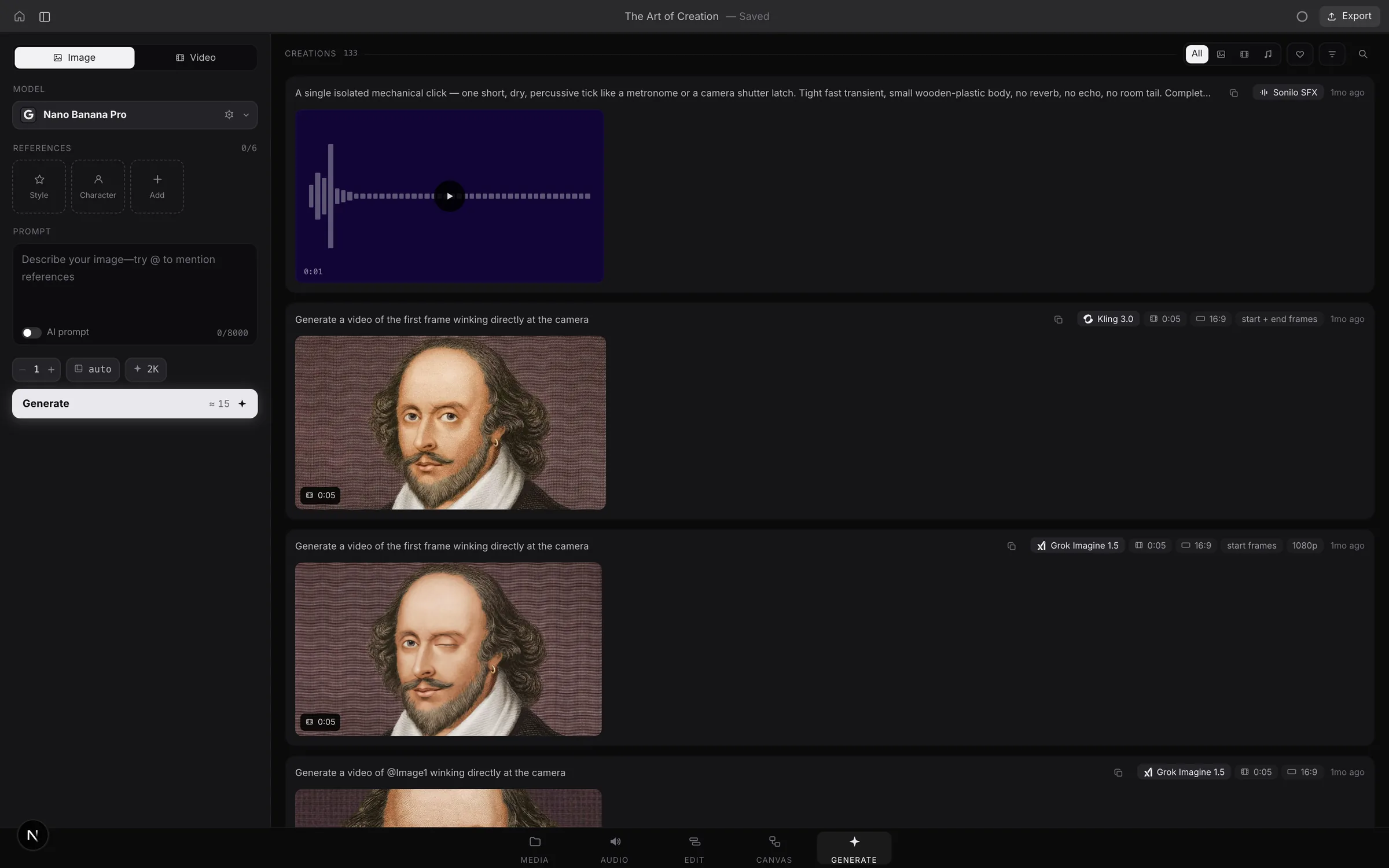
How to use Seedream 5.0 in Tenet
For a new frame, choose Seedream 5.0 Pro in the model menu. It works from words alone in Tenet, so describe the light source, the surfaces and the lens: "late sun through venetian blinds, worn oak table, 50mm, shallow focus". Pick 1K for drafts or 2K for keepers, choose one of the nine shapes, and check the estimate beside Generate.
For changes to a picture you already have, switch to Seedream 4.5 or 5.0 Lite. Wire the source image in from the board, add up to nine more references, and say what should change. ByteDance's own selection, sketch-to-render and material-swap tools for 5.0 Pro live on ByteDance's platforms; inside Tenet, editing runs on Lite, 4.5 and 4.0.
Then put the frame to work. A 16:9 still from Seedream can open a shot as the start frame for Seedance 2.5, ByteDance's video model, or for any other video model in the menu. Every take keeps its prompt and settings on the board, so you can rerun a location months later with the same look.
Getting good results from Seedream 5.0
Write like a cinematographer
Seedream rewards physical detail. Name the time of day, where the light comes from, what the walls are made of and how close the camera is. Vague mood words leave it guessing.
Draft on Lite, finish on Pro
Explore compositions with 5.0 Lite, which is also the one to use when you need references. Once you know the frame, write it out fully for 5.0 Pro at 2K.
Change one thing per edit
Ask 4.5 for a single change at a time: the coat, then the weather, then the sign. Stacking several requests in one edit makes it harder to see what moved.
Proof the small text
Large headings in a 5.0 Pro layout tend to hold. Captions, footnotes and tiny labels are where ByteDance says the model still has work to do, so zoom in before the frame goes into the cut.
When another model is the better pick
When the same character has to appear across dozens of shots, Nano Banana Pro is built around that job. When a line of text has to be exactly right, a sign or a newspaper headline, try GPT Image 2.5.
If you only want Seedream in a browser, ByteDance's Dreamina app has it. Tenet is the better fit when the frame is one step in a film: the same app holds the video models, voices, music and the timeline. See Tenet vs Dreamina.
Questions about Seedream 5.0
Who makes Seedream?
ByteDance's Seed team. Seedream 5.0 Pro came out in July 2026, 5.0 Lite in February 2026, 4.5 in December 2025 and 4.0 in September 2025.
Can Seedream 5.0 Pro edit images in Tenet?
Not in Tenet. There, 5.0 Pro makes images from a prompt only. To edit a picture, use Seedream 5.0 Lite, 4.5 or 4.0, which each take up to 10 references.
Is Seedream free?
Downloading Tenet and editing are free. Generating with Seedream uses credits: a credit is a cent, top-ups start at $10, and plans from $47 a month come with credits that never expire.
Seedream vs Nano Banana Pro: which should I use?
Use Seedream 5.0 Pro for a single realistic frame with detailed light and texture. Use Nano Banana Pro when a character has to stay the same across many images. In Tenet you can run one prompt on both and compare.
Can I use Seedream images commercially?
You own what you generate in Tenet, and each model's own terms apply to its output. Check ByteDance's terms for your use and Tenet's AI content policy.
The specs above are what Tenet offers, checked against the app on 2026-11-12. Background on Seedream 5.0 comes from ByteDance and the press, and can change: ByteDance Seed: Introducing Seedream 5.0 Pro.