
How to make an AI trailer
Trailers are made of fragments, which is what AI video does well. They live or die on rhythm, and rhythm comes from sound.
The short answer
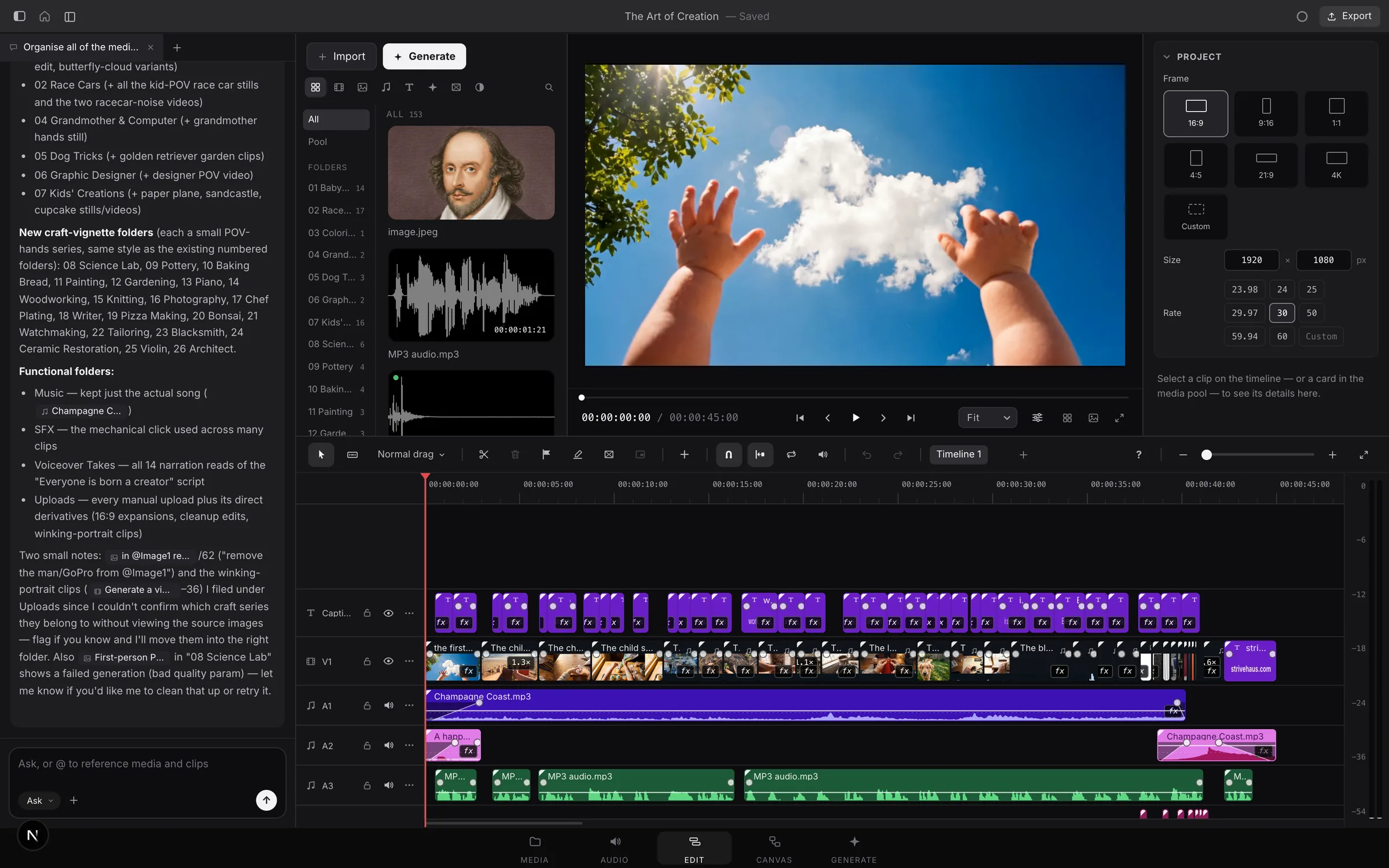
To make an AI trailer, write a three-act structure of setup, turn and escalation, build the score and sound design first, then generate short, striking shots and cut them to the music with title cards between. Tenet, the AI film studio for Mac, keeps the shots, the score, the sound effects and the titles on one timeline.
What's the structure of a trailer?
Setup
Introduce the world and the character in a few calm shots. Let the viewer settle in.
The turn
Something breaks. A line of dialogue or a hard sound effect usually marks the moment, often followed by a beat of silence.
Escalation
Shorter and shorter shots, rising music, title cards between them.
The final beat
A cut to black, one last image or line, then the title.
Why start with the sound?
A trailer's emotion is mostly in the audio, and the edit follows it. Generate the score first and describe how it changes: a sparse opening, a clear point where it turns, a build, then a hard stop at the peak. Name the instruments, tempo and key.
Specific sounds carry a trailer. In the Superpower project, a sword draw was requested with a sharp metallic rasp and a short echo, placed at exactly 15 seconds on its own track. That's the level of detail that makes a moment land. Tenet includes ElevenLabs SFX for effects like this.
What kind of shots should you generate?
Pick shots that promise something: a figure in a doorway, a hand reaching for an object, a wide view of a place you want to know more about. A trailer doesn't have to explain them. AI video tends to be most convincing in short bursts, and most trailer shots last only a couple of seconds, so the format plays to its strength.
Lock the look first with one style sentence and character sheets. A trailer with shots from five different visual worlds reads as a mood reel rather than a film. Generate in 16:9 or wider if you're aiming for a cinematic feel, and use a start frame for any shot that matters.
How do you use title cards?
Add cards as titles on the timeline rather than generating text inside a shot, since models aren't reliable with letters. Keep each to a few words, and let the words build a single sentence over several cards. Cut them to beats in the score. Then add the film's name at the end, after the last hard stop.
How do you cut it to the beat?
Lay the score on the timeline and mark its big moments. Place your best shot at the peak, not the start. Cut shorter as the music builds. Use a moment of total silence before the final beat, because nothing sounds louder.
In Tenet you can do this by hand, or ask the agent directly. It can read the timeline, generate new music, remove the old track, and place a sound effect at a set time. Everything it changes can be undone, so experimenting is safe.
What does it take to finish?
Watch the trailer with the sound off to check the shots tell a story, then with your eyes closed to check the sound does. Export in ProRes 422 for a master, or H.264 for sharing. Tenet is a Mac app and needs Apple silicon. For the full process with a story attached, read how to make a short film with AI.
Questions
How long should an AI trailer be?
Thirty to 90 seconds is typical. A shorter one is easier to keep consistent and less expensive to make.
Can AI generate trailer music?
Yes. Tenet includes music models such as ElevenLabs Music 2.5, MiniMax Music 2.6 and Lyria 2.
How do I get a deep movie-trailer voice?
Search for the character of the voice you want. Tenet's agent can search the voice library by description.
Can I make a trailer for a real film?
Yes, if you have the rights to any material you import. You can mix your own footage with generated shots on the timeline.