
Tenet vs Veed
Veed runs in a browser and is popular for quick social and team videos. Tenet, the AI film studio for Mac, is a dedicated app for making whole films, from planning through generation and editing.
The short answer
Choose Tenet if you're on a Mac and making films, because it brings a planning board, 63 models and a free timeline into one app, with credits that never expire. Choose Veed if you need a browser editor with nothing to install, or per-seat plans and heavy subtitling for a team making social video.
Tenet and Veed, side by side
| Feature | Tenet | Veed |
|---|---|---|
| Where it runs | Mac app (Apple silicon, macOS 13.3 or later). No browser or Windows version. | Browser-based, per its tool pages. |
| Unused credits | Roll over month to month and never expire. | Credits reset without carry-over, per its pricing page. |
| Models | 63 models from many makers, including Veo 3.1, Kling 3.0, Seedance 2.5, Nano Banana Pro, GPT Image 2.5 and ElevenLabs, on one credit balance. | Seedance 2.5, Veo 3 and 3.1, Kling including O1, Hailuo 2.3, PixVerse 4.5, LTX and Fabric 1.0, with each model using a different number of credits. |
Details about Veed were checked against its own pages on 2026-11-09 and can change. Sources: Veed pricing, Veed AI video tools, Trustpilot.
Why people choose Tenet over Veed
Your credit balance doesn't start over
Veed's pricing page describes credits that reset without carry-over. Tenet credits never expire and each paid period is added on top of what's left. If your work comes in bursts, that's a meaningful saving.
A planning stage comes with the app
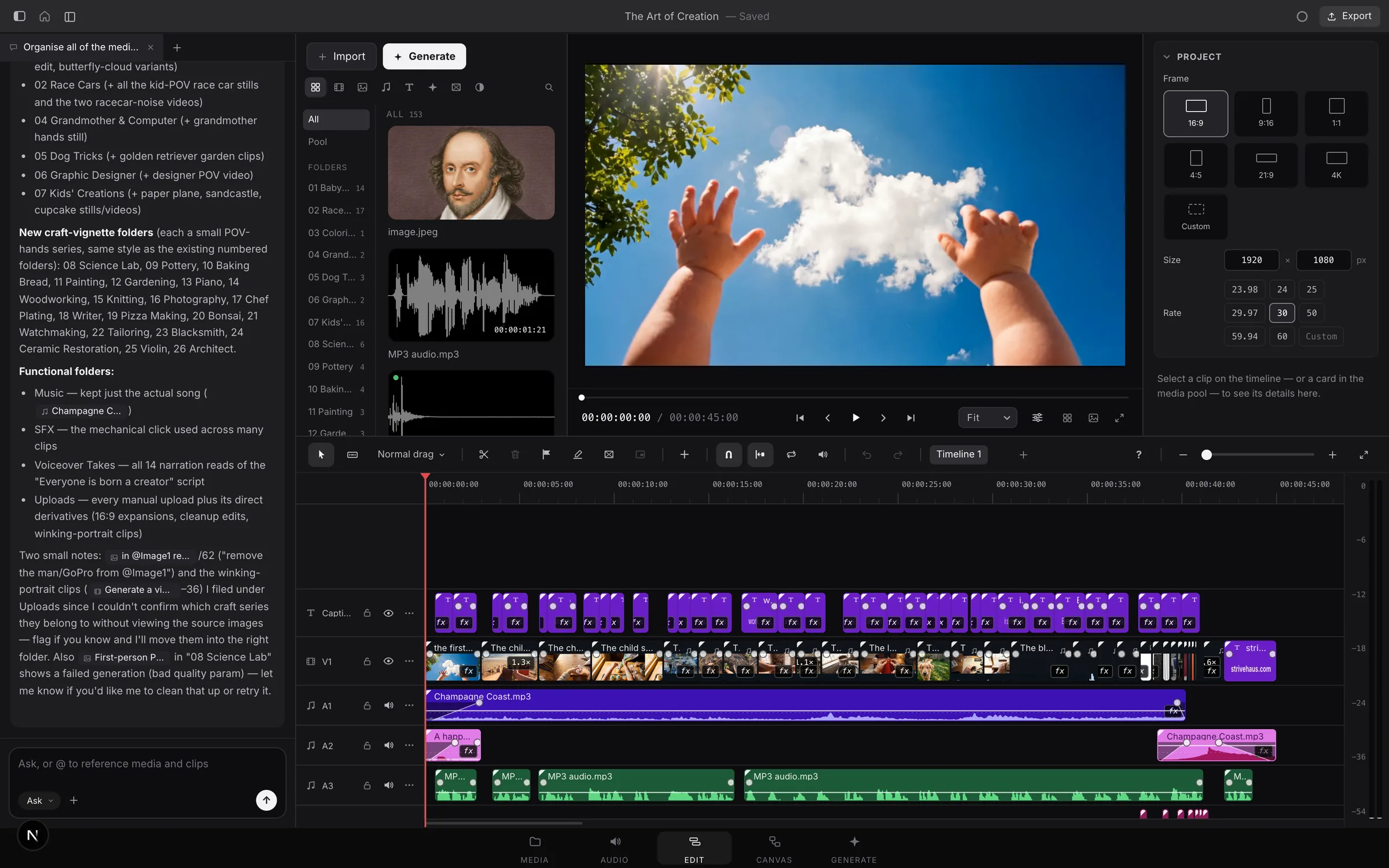
Tenet's canvas holds scripts, references and characters, wired into each shot. The agent can lay it all out and read your script against the shots for pacing, who's where, and how long the film runs, before anything is generated.
Your project lives on your Mac
Tenet is a Mac app. Media is cached on your Mac and synced to storage, and your project keeps the board, the takes, the cut and the conversation together. Exports go up to 4K in H.264, H.265 and ProRes 422.
Get what you asked for
A November 2026 Trustpilot reviewer said getting Veed to do exactly what you want can be a struggle, though Veed scores a strong 4.2 from 3,932 reviews overall. Tenet's agent lets you describe a change in plain language, and every move it makes can be undone.
When Veed is the better fit
Veed makes more sense when you can't install software, when you work on Windows or a Chromebook, or when your team needs per-seat access and subtitles at volume. Its fair-use allowance on subtitles is generous, and Tenet doesn't run in a browser at all.
Questions about Tenet and Veed
Is Tenet available in a browser like Veed?
No. Tenet is a Mac app only, and needs Apple silicon and macOS 13.3 or later.
Do Tenet and Veed offer the same AI models?
There's overlap, such as Seedance 2.5, Veo 3.1 and Kling. Tenet has 63 models in total, including image, sound and clip tools, on one balance.
Does Tenet add captions?
Yes. Captions are part of the timeline, alongside titles, keyframes, color and sound.
What does a Tenet credit cost?
A credit is a cent. The app shows the price before anything runs, and a job that fails costs nothing.