
Tenet vs Filmora
Filmora is a friendly editor that has added some AI generation. Tenet, the AI film studio for Mac, begins with generation and planning, and keeps a real timeline alongside them.
The short answer
Choose Tenet if you want to make whole AI films on a Mac, with a planning board, 63 models and credits that never expire. Choose Filmora if you mainly edit your own clips, want a large asset library, and prefer a low yearly price or need Windows. Tenet's editor is free, so trying it costs nothing.
Tenet and Filmora, side by side
| Feature | Tenet | Filmora |
|---|---|---|
| Where it runs | Mac app (Apple silicon, macOS 13.3 or later). No browser or Windows version. | Windows and Mac, and there are mobile apps. |
| Price | Free download and free editor. Plans at $47, $97 and $197 a month. Top-ups from $10. | Advanced is $59.99 a year, shown reduced from $69.99. A perpetual license is listed at about $79.99, with updates limited to Filmora 16. |
| Unused credits | Roll over month to month and never expire. | Unused subscription credits are reclaimed every 30 days. |
| Models | 63 models from many makers, including Veo 3.1, Kling 3.0, Seedance 2.5, Nano Banana Pro, GPT Image 2.5 and ElevenLabs, on one credit balance. | Veo 3.1 for text-to-video and image-to-video, on AI credits. A Filmora page says Seedance 2.0 is integrated. |
| Timeline editor | A real multi-track timeline: tracks, titles, captions, keyframes, color and sound. Exports H.264, H.265 and ProRes 422, up to 4K. | An approachable editor with more than 2.9 million creative assets. |
Details about Filmora were checked against its own pages on 2026-11-09 and can change. Sources: Filmora for Mac, Filmora for Windows, Trustpilot.
Why people choose Tenet over Filmora
Credits that aren't on a 30-day clock
Filmora's plan pages say unused subscription credits are reclaimed every 30 days. Tenet does the opposite: every paid period adds to the balance you already have, and credits never expire. You can save up for a big film rather than rushing to use a monthly allowance.
Far more models to choose from
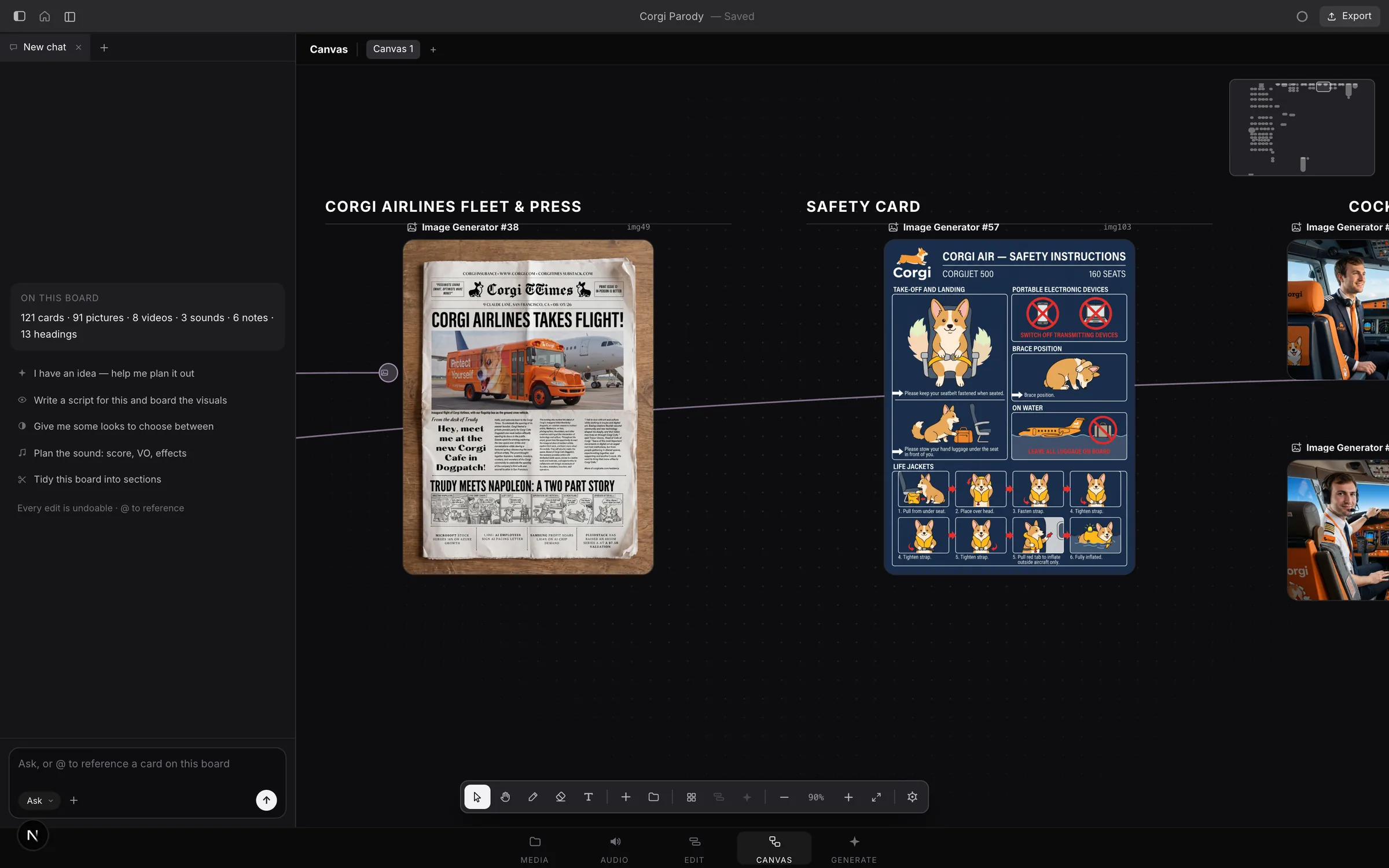
Filmora names Veo 3.1 on its plan pages. Tenet has 22 video models, 19 image models, 13 sound models and 9 clip tools, and all of them spend from one balance. If one model struggles with a shot, trying another takes one click and no new account.
Built for scenes that connect
A long project is where consumer editors can strain, and one October 2026 Trustpilot reviewer said Filmora can't handle complex projects longer than 10 minutes, although its overall rating there is a healthy 4.0 from 15,727 reviews. Tenet's canvas and agent are made for a film's many moving parts, with the characters, script and shots tied together.
An agent working from your plan
Tenet's agent can read the timeline, replace the score, add a sound at a precise moment or take an idea all the way to a cut. Its three modes let you decide how much it does alone: Ask, Plan or YOLO.
When Filmora is the better fit
Filmora is the better fit if you edit on Windows, want a one-time license at a low price, or lean heavily on stock effects and templates. It also comes with a 30-day money-back guarantee.
Questions about Tenet and Filmora
Is Tenet harder to use than Filmora?
You can start simply by telling the agent what you want. If you'd rather edit by hand, the timeline has tracks, titles, captions, keyframes, color and sound.
Does Tenet have stock effects and templates like Filmora?
Filmora's asset library is a real strength. Tenet's focus is on generating what you need instead of picking from a stock library.
Is Tenet more expensive than Filmora?
The Tenet editor is free. Generation is paid by credits at a cent each. A 20 to 30 second short film, from idea to a cut with sound, comes to about 1,000 credits, so around $10.
Does Tenet work on Windows like Filmora?
No. Tenet needs a Mac with Apple silicon.