
The best Veed alternatives in 2026
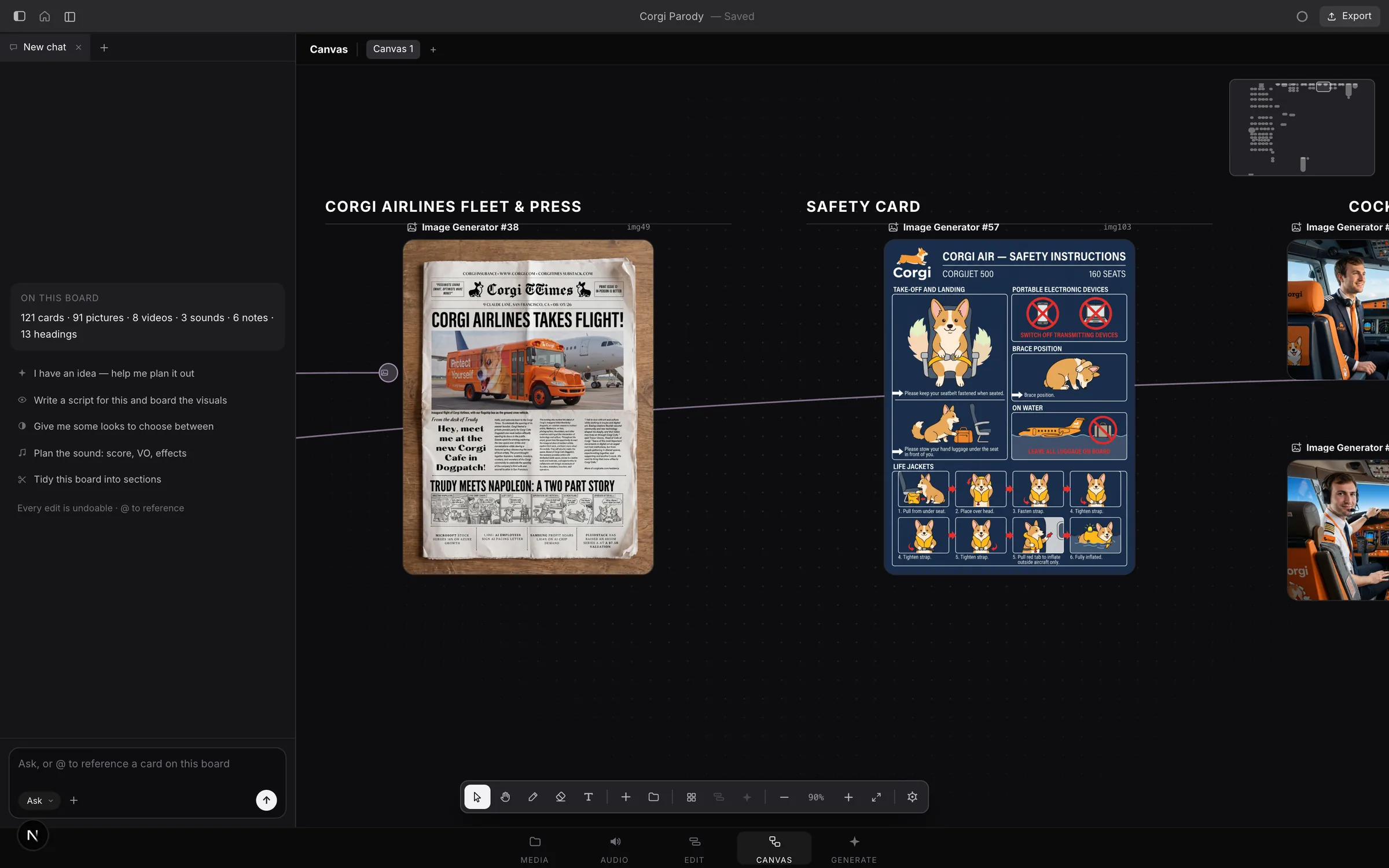
A browser editor is convenient until the project gets ambitious. For a story with characters, scenes and a score, look at Tenet, the AI film studio for Mac.
The short answer
Tenet is the best Veed alternative for AI films on a Mac, offering a free editor, a planning board, 63 models and credits that never expire. CapCut is the closest match for quick social clips, invideo for browser-based teams, and Descript for anyone who wants to edit speech through a transcript.
Why people look for a Veed alternative
People usually start searching when a browser tool stops matching their ambition. A short social video fits comfortably. A film with recurring characters, a planned structure and many alternate takes asks for more organization.
Credits are another factor, because Veed's reset without carry-over, and one reviewer in November 2026 called it hard to steer toward the result they wanted. Veed's overall reviews are good, so this is more about fit than quality.
Veed alternatives, ranked
Tenet
It replaces the browser tab with a focused Mac app in which planning, generation and editing are one continuous process. Credits never expire, and the editor is free.
Download for MacFree to download. Apple silicon, macOS 13.3 Ventura or later.CapCut
A familiar editor for social clips, with EditPilot and apps across devices. Tenet vs CapCut.
invideo
Also in the browser, with agents and multiplayer editing for up to 20 seats. Tenet vs invideo.
Descript
Excellent if your content is mostly people talking. Tenet vs Descript.
Runway
Browser-based with its own video models, plus an agent timeline. Tenet vs Runway.
HeyGen
A good choice if your videos revolve around avatars and translation. Tenet vs HeyGen.
Details about Veed were checked against its own pages on 2026-11-09 and can change. Sources: Veed pricing, Veed AI video tools, Trustpilot.
What to check before you switch from Veed
Do you need to work in a browser?
If you do, Tenet won't suit you. If a Mac app works, you'll have more room for a whole film.
What happens at the end of the month?
Veed's credits reset. Tenet's stay in your account.
Count the people involved
Veed sells per-seat plans for teams. Check how you'll share work if several people need access.
Try one real scene
Take a scene with a recurring character and make three shots of it in any tool you're considering. Whether the face holds from shot to shot will tell you more than a feature list. Tenet draws a character sheet first and builds each shot from it, and the editor costs nothing while you test.
Look at what you'd export
Social work is usually fine as a compressed file. If your film might go to a festival or a client, you'll want a higher-grade master. Tenet exports ProRes 422 as well as H.264 and H.265, up to 4K.
Questions about Veed alternatives
What's the best Veed alternative for filmmakers?
Tenet, for filmmakers using an Apple silicon Mac.
Is there a Veed alternative with a free editor?
Yes. Tenet's editor is free, and CapCut has a free tier.