
Tenet vs Topaz
Topaz is a specialist in upscaling and restoration. Tenet, the AI film studio for Mac, includes Topaz Video upscale as a clip tool, so finishing a shot is one more step in the film rather than another app.
The short answer
Choose Tenet if upscaling is one step in making a film: Topaz Video upscale runs on your clips in the same Mac app where you plan, generate and cut. Choose Topaz's own apps if restoration and upscaling are your entire job, particularly on old footage or at high volume.
Tenet and Topaz, side by side
| Feature | Tenet | Topaz |
|---|---|---|
| Where it runs | Mac app (Apple silicon, macOS 13.3 or later). No browser or Windows version. | Mac, PC, web and iPhone. |
| Price | Free download and free editor. Plans at $47, $97 and $197 a month. Top-ups from $10. | Web Video $29, Web Pro $59, Studio $69, Studio Pro $79 a month. The page lists several prices per plan. |
| Unused credits | Roll over month to month and never expire. | Credits do not roll over. |
| Models | 63 models from many makers, including Veo 3.1, Kling 3.0, Seedance 2.5, Nano Banana Pro, GPT Image 2.5 and ElevenLabs, on one credit balance. | Its own models. |
Details about Topaz were checked against its own pages on 2026-11-09 and can change. Sources: Topaz Labs pricing, Topaz Labs on Trustpilot.
Why people choose Tenet over Topaz
The upscaler is already in the app
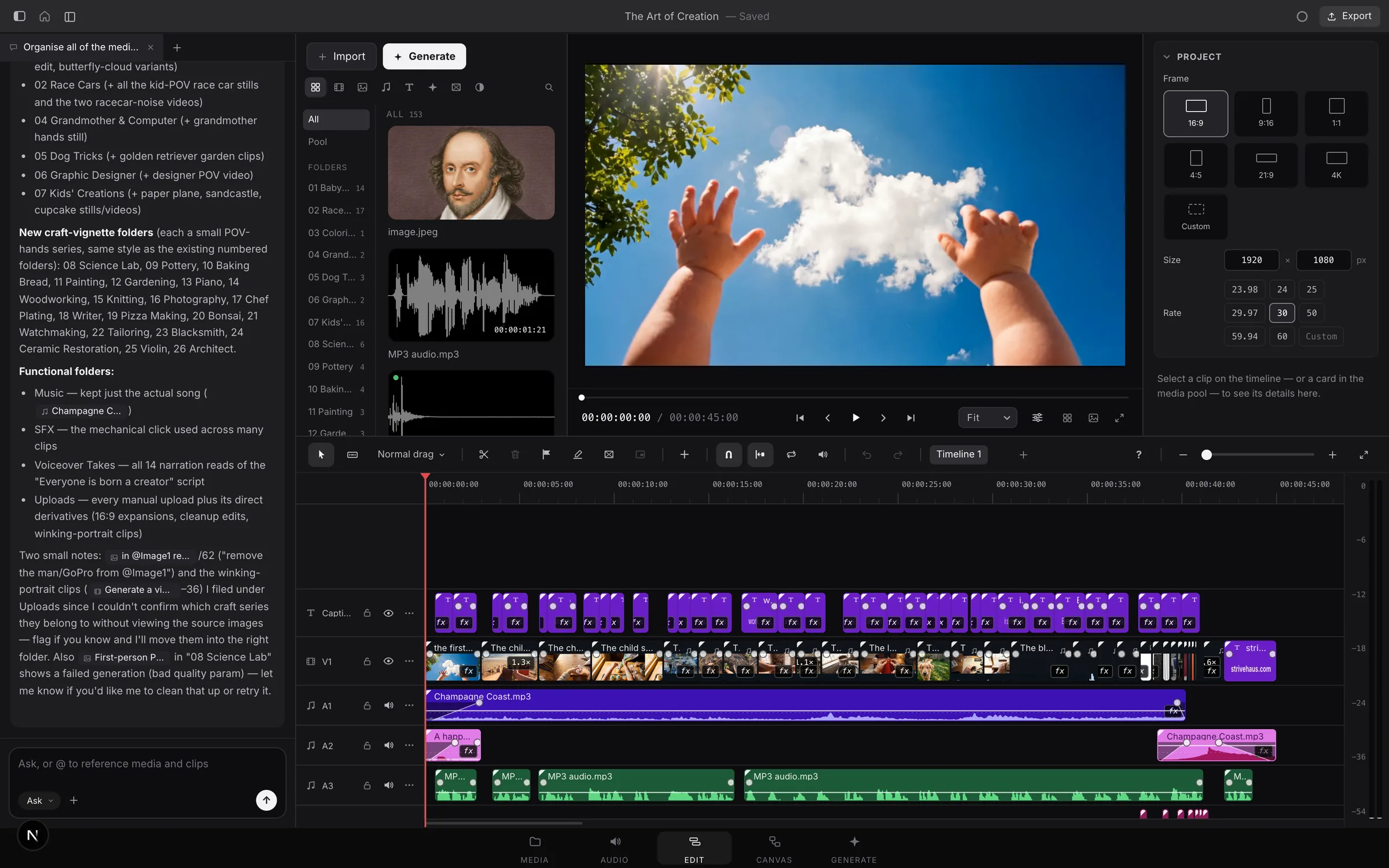
Tenet includes Topaz Video upscale among its clip tools, on the same balance as everything else. There's no round trip of export, upscale, re-import and re-link.
Your shot stays in the edit
Generate a take, drop it on the timeline, decide it's the keeper, then upscale that one. You spend credits on the shots that made the cut instead of every take you tried.
Everything a finished film needs
Upscaling is the last few percent. Tenet covers the rest: planning, generation from 22 video models, voice, music, captions, keyframes, color and export up to 4K in H.264, H.265 or ProRes 422.
A balance that carries forward
Topaz's credits do not roll over. In Tenet you pay for a clip-tool job with credits that never expire, so occasional upscaling doesn't require a monthly plan you can't fully use.
When Topaz is the better fit
If you restore archival footage, or upscale large batches and want every control over the process, Topaz's dedicated apps are the specialist tools and well worth it. They also run on PC, and Tenet doesn't.
Questions about Tenet and Topaz
Does Tenet include Topaz?
Yes. Topaz Video upscale is one of Tenet's nine clip tools, and it draws on your Tenet credits.
Do I need a Topaz subscription to upscale in Tenet?
No. There are no extra accounts or keys. Everything runs on one credit balance.
Should I upscale before or after editing?
After you've chosen your takes. That way you only pay to upscale the shots that make the film.
Can I export 4K from Tenet?
Yes. Tenet exports H.264, H.265 and ProRes 422, up to 4K.