
Tenet vs Captions
Captions, made by the company Mirage, is excellent for short talking videos shot on a phone. Tenet, the AI film studio for Mac, is where you go when you're building the whole picture from nothing.
The short answer
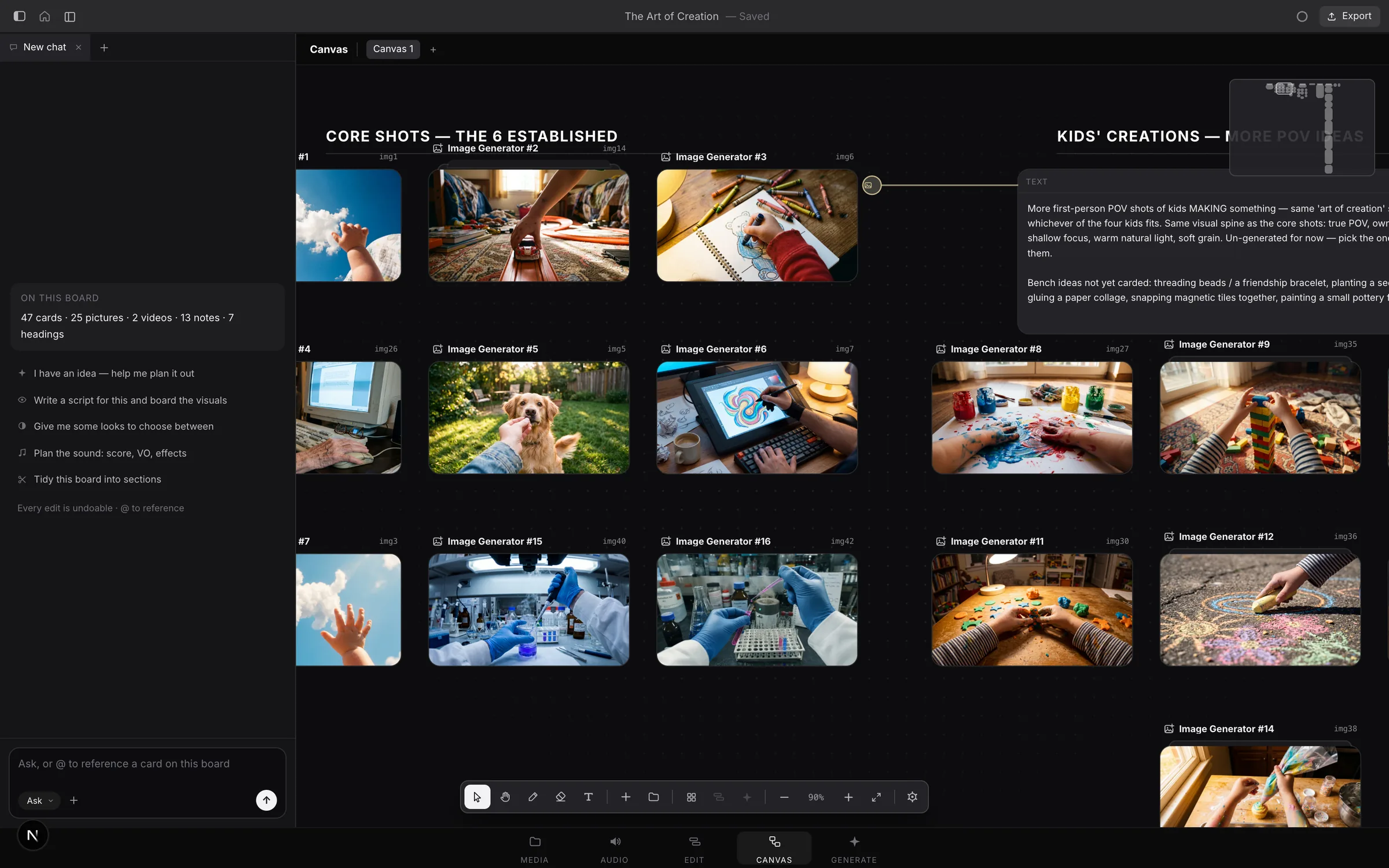
Tenet is the better choice for making generated films, ads and stories on a Mac, with a board, 63 models, sound and a real timeline in one app. Captions is the better choice for people who film themselves on an iPhone and want quick, captioned short-form edits.
Tenet and Captions, side by side
| Feature | Tenet | Captions |
|---|---|---|
| Where it runs | Mac app (Apple silicon, macOS 13.3 or later). No browser or Windows version. | iPhone and Mac. |
| Price | Free download and free editor. Plans at $47, $97 and $197 a month. Top-ups from $10. | iOS plans: Max $24.99, Frontier $69.99, 2x $139.99 and 4x $279.99 a month. |
| Unused credits | Roll over month to month and never expire. | Roll over up to 3x your monthly amount. |
| Models | 63 models from many makers, including Veo 3.1, Kling 3.0, Seedance 2.5, Nano Banana Pro, GPT Image 2.5 and ElevenLabs, on one credit balance. | Its own models from Mirage's research. |
| Timeline editor | A real multi-track timeline: tracks, titles, captions, keyframes, color and sound. Exports H.264, H.265 and ProRes 422, up to 4K. | Trim, keyframes and transitions are listed. |
| Agent | Built in. It plans on the board, generates and edits the timeline. It asks before it spends, and anything it changes can be undone. | A chat-based editor. |
| Voice, music, sound | Voices, music and sound effects generated in the app and mixed on the timeline. | Voice, cloning, music and sound effects. |
Details about Captions were checked against its own pages on 2026-11-09 and can change. Sources: Captions pricing, Mirage.
Why people choose Tenet over Captions
Start without a camera
Captions is at its best with footage of you. Tenet begins with an idea: the agent asks a few questions, writes the plan, draws the characters and places, and generates the shots once you have approved them.
Many models, picked per shot
Tenet draws on models from a wide range of makers, so you can use Kling 3.0 for one shot and Seedance 2.5 for the next. Every generation lands on your board with its prompt and settings.
A big-screen workspace
Long projects are easier with room to see them. Tenet's board and multi-track timeline are built for a Mac display, with exports up to 4K in H.264, H.265 or ProRes 422.
No cap on what carries over
Captions lets credits build to 3x your monthly amount. Tenet has no ceiling and no expiry, so a credit you bought in spring is still good in winter.
When Captions is the better fit
If you record yourself on an iPhone and want captions, cuts and a polished talking video in minutes, Captions is designed around exactly that. Tenet doesn't have a phone app, and it needs an Apple silicon Mac.
Questions about Tenet and Captions
Is Captions the same company as Mirage?
Yes. Mirage is the company, and Captions is its app.
Can Tenet add auto captions?
Yes. Captions are part of Tenet's timeline, and you can correct and restyle them.
Is there a phone version of Tenet?
No. Tenet is a Mac app. On a phone, the Download button sends the page on to your Mac.
Can I edit my own footage in Tenet?
Yes. The editor is free and works with your own footage, and you can mix it with generated shots.