
Video model · Alibaba
Wan 3.0 on your Mac
Wan 3.0 is Alibaba's video model for long takes, steered by pictures, clips and sound. Tenet, the AI film studio for Mac, pairs it with Wan 2.2 Speech to Video, which turns one picture and a few seconds of speech into a talking shot.
The short answer
Yes, Wan 3.0 runs on a Mac in Tenet, with no Alibaba account or API key. It makes clips from 2 to 30 seconds at 480p, 720p or 1080p, from a prompt, a start frame (with an optional end frame) or references: up to 10 images, 5 videos and 5 audio clips. It can make its own sound. Tenet also has Wan 2.2 Speech to Video, which makes a talking shot from one picture and 3 to 7 seconds of speech.
Wan 3.0 in Tenet
| Made by | Alibaba |
|---|---|
| Versions in Tenet | Wan 3.0, Wan 2.2 Speech to Video |
| Wan 3.0 works from | A prompt; a start frame with an optional end frame; or references |
| Wan 3.0 references | Up to 10 images, 5 videos (up to 15 seconds) and 5 audio clips (up to 15 seconds) |
| Wan 3.0 resolution | 480p, 720p or 1080p |
| Wan 3.0 clip length | 2, 3, 5, 8, 10, 12, 15, 20, 25 or 30 seconds |
| Wan 3.0 frame shapes | 16:9, 4:3, 1:1, 3:4, 9:16 |
| Wan 3.0 sound | Can make its own sound; a switch turns it off |
| Wan 2.2 Speech to Video | A picture plus 3 to 7 seconds of speech, giving a talking shot at 480p, 580p or 720p |
| Pays with | Tenet credits. A credit is a cent, and the app shows an estimate before you generate |
What Wan 3.0 is good at
Long takes
Alibaba launched Wan 3.0 in late August 2026, and the press reported 30-second clips in one pass, double the 15 seconds of Wan 2.7. In Tenet that means a walk-and-talk or a slow push across a room can run as one unbroken shot.
Audio as a reference
Wan 3.0 takes up to 5 audio clips alongside its pictures and videos. Feed it a line of dialogue or a music cue and the shot can be built around the sound, which is how you'd time a performance to a track.
Very short cuts too
At the other end, Wan 3.0 makes 2 and 3 second clips. Those are the inserts a film is full of: a hand on a handle, a glance, a light switching off.
Quick talking shots
Wan 2.2 Speech to Video is a narrower tool. Give it one picture and 3 to 7 seconds of speech and it returns that person saying the line. It's handy for a quick reaction or a single line of dialogue.
How to use Wan 3.0 in Tenet
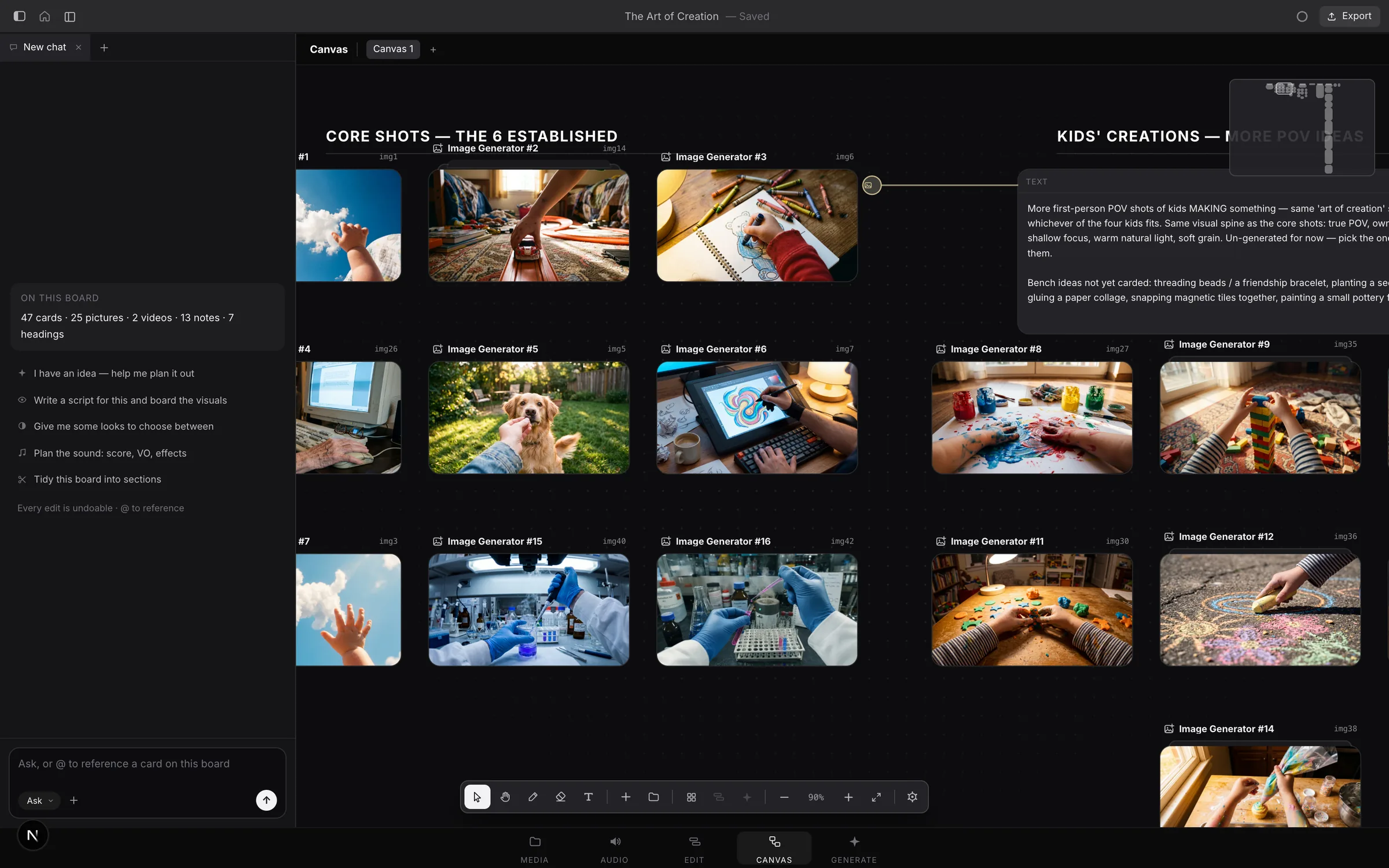
On the board, gather what drives the shot. For a scene built around sound, that's the audio first: a voice line from the app's voice models, or a music cue. Add the character sheet and the location as image references, and a reference clip if there's a particular motion. Wire them into a video card set to Wan 3.0, choose the length, from 2 up to 30 seconds, and the resolution, then generate.
For a single talking line, switch the card to Wan 2.2 Speech to Video. Wire in one picture of the speaker and 3 to 7 seconds of speech, pick 480p, 580p or 720p, and press Generate. The estimate beside the button tells you the cost up front.
Takes land on the board with every reference and setting attached. Lay the long take on the timeline, cut the talking shots in around it, and mix the sound with voice and score. The agent can do this pass for you: it can draw the sheets, generate the shots and place them, and deleting anything still asks first.
Getting good results from Wan 3.0
Start from the audio
When a shot has to match a line or a beat, generate or record the audio first and pass it as a reference. Timing picture to sound is easier than the other way round.
Keep speech clips tight for 2.2
Wan 2.2 Speech to Video wants 3 to 7 seconds. Trim the line to one sentence, cleanly cut at both ends, before you wire it in.
Use the long lengths sparingly
A 30-second take is powerful when the scene calls for it. For most coverage, 5 to 10 seconds gives you more cut points and cheaper retries.
Frame shapes differ
Wan 3.0 offers 16:9, 4:3, 1:1, 3:4 and 9:16, but not 21:9. For a letterboxed wide frame, use Seedance.
When another model is the better pick
For a long take steered by even more references, Seedance 2.5 also reaches 30 seconds and allows up to 50 references, including 21:9. For a strong move between a start and an end frame under 15 seconds, compare with Kling 3.0 Pro.
For talking characters with longer audio than Wan 2.2 takes, look at Kling Avatar or OmniHuman. If you're weighing Alibaba's own Wan tools against Tenet, see Tenet vs Wan. And the AI lip sync guide covers when each talking-shot model fits.
Questions about Wan 3.0
Who makes Wan 3.0?
Alibaba. Press reports put the launch on August 24, 2026.
Is Wan 3.0 open source?
No. The press reported that Wan 3.0's weights are closed; Wan 2.2 was the last open-weights release. In Tenet you don't need weights or a GPU either way, since the models run on Tenet credits.
How long can Wan 3.0 videos be?
From 2 to 30 seconds in Tenet: 2, 3, 5, 8, 10, 12, 15, 20, 25 or 30 seconds per clip.
What does Wan 2.2 Speech to Video do?
It takes one picture and 3 to 7 seconds of speech and makes a short shot of that person speaking, at 480p, 580p or 720p.
Can I use Wan 3.0 videos commercially?
You own what you generate in Tenet, and each model's own terms apply to its output. Check Alibaba's terms for your use, and see Tenet's AI content policy.
The specs above are what Tenet offers, checked against the app on 2026-11-12. Background on Wan 3.0 comes from Alibaba and the press, and can change: The Next Web on Wan 3.0.