
How to keep characters consistent in AI video
Character drift is the most common reason AI films fall apart. The fix is mostly a matter of order: make the references first, and never generate a shot without them.
The short answer
To keep characters consistent in AI video, create one character sheet per person, generate a start frame for each shot using that sheet as a reference, and only then animate. Tenet, the AI film studio for Mac, builds this in: its agent makes character and location sheets first, so every shot comes from the same faces and places.
Why do AI characters change from shot to shot?
A text prompt is a description, and a description leaves room. 'A tired man in a brown coat' fits millions of faces, so each generation picks a new one. Lighting makes it worse: a change in light can shift how a model reads the shape of a face, so even a good reference can drift between a daylight shot and a night shot.
The longer the film, the more chances there are for this to happen. What works for one clip tends to break somewhere around the tenth.
What goes on a good character sheet?
One image, three panels. For a person, Tenet's agent uses a specific layout: the body from the neck down on the left, the whole figure from behind in the center, and a close-up of the face on the right. The face appears once, on purpose. If it appears several times, models tend to copy the panel layout into your shots.
Describe the face in geometry rather than adjectives: face shape, eyes and their color, nose, jaw, brows. Then hair, skin and build, then the wardrobe piece by piece, then any props. For animals, robots and products, three full views work better.
Match the medium. A photographic sheet pushes a cartoon toward live action, and a 3D render can make a documentary look like a video game. The sheet decides the look of every shot built from it.
Why do locations need references too?
A character can stay perfect while the room around them changes in every shot. Make one clean establishing picture of each empty location: its architecture, where the windows are, where the light comes from, and the set dressing that must not change. Keep it a single continuous image. Grids and split panels in a location reference tend to come back as collages in the shots.
What is the reliable order of work?
1. Lock the look
Write one sentence describing the medium and style, and reuse it word for word in every prompt.
2. Draw the sheets
Generate and approve each character before any shot. In the Jazzman project, four styles were drawn, one was chosen, and he was redrawn with a walking stick before shooting began.
3. Compose start frames
Combine the character sheet and the location plate into a still for each shot.
4. Animate from the still
The video model now only has to invent motion. Keep the prompt about what moves, and don't describe the person's face again.
5. Check every take
Look for the wrong person, a stray extra or a change of medium. Redo that take once with the prompt fixed for that exact problem.
How does Tenet handle this for you?
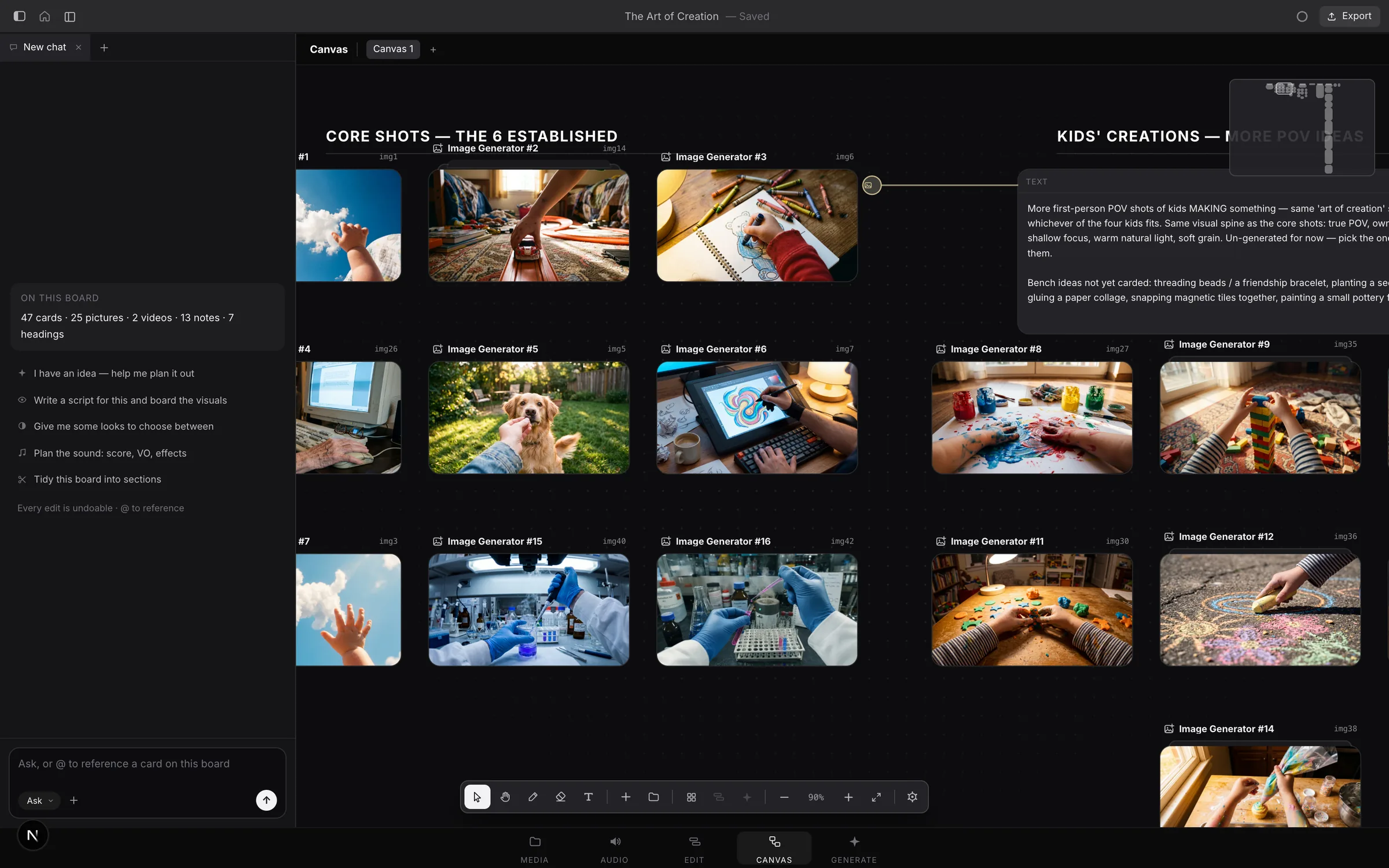
In a Tenet film project, each recurring character gets a board, made and approved before any frame or shot is drawn. Every frame and shot they appear in is drawn with that board wired in. If a shot's plan names someone with no board, the picture is held until one exists.
The agent also reads each take as it lands, against the prompt and the references. A clear mistake, such as the wrong person for their sheet, is flagged rather than reported as done. In YOLO mode the agent regenerates that take once with the prompt fixed. In Ask mode it tells you in one line and offers the redo.
What about keeping a character's voice consistent?
Pick one voice per character and reuse it, or clone one if you have the right to. For on-camera lines, a voice take can drive the lip movement, as covered in our guide to AI lip sync for film. Other tools handle identity too, such as Higgsfield's Soul ID. Tenet's advantage is that the references, the shots and the edit stay in one project.
Questions
What is the best way to get a consistent character in AI video?
Generate one approved character sheet and use it as a reference for a start frame on every shot, then animate that frame.
Which models take character references?
Many do, including the Seedance 2 family and Wan 3.0. In Tenet, models like Nano Banana hold sheet layouts well for making the references themselves.
Can I use a photo of a real person?
Only if you have their permission, and subject to each model's rules. Read Tenet's AI content policy.
Does this work for animated characters?
Yes. Make the sheet in the same medium as the film, because the reference decides the look of each shot.