
The best Final Cut Pro alternatives in 2026
Final Cut Pro users already know what a great Mac app feels like. If you want one that also makes the shots, try Tenet, the AI film studio for Mac.
The short answer
Tenet is the best Final Cut Pro alternative for Mac users who want AI generation and editing together: it's free to edit, offers 63 models on one balance, and has an agent that works on the timeline. DaVinci Resolve is the strongest conventional alternative, and Adobe Premiere fits teams already using Creative Cloud.
Why people look for a Final Cut Pro alternative
Editors rarely leave Final Cut because of the timeline. They look around when a project needs generated shots, since Apple's pages list no generative video or third-party video models, and that means working with separate generators and importing the results.
Pricing has also become a talking point. Apple now sells both a one-time license and a Creator Studio subscription, and buyers on the MacRumors forum have expressed disappointment that the one-time version misses some of the newer features, although others there dispute how much it matters.
Final Cut Pro alternatives, ranked
Tenet
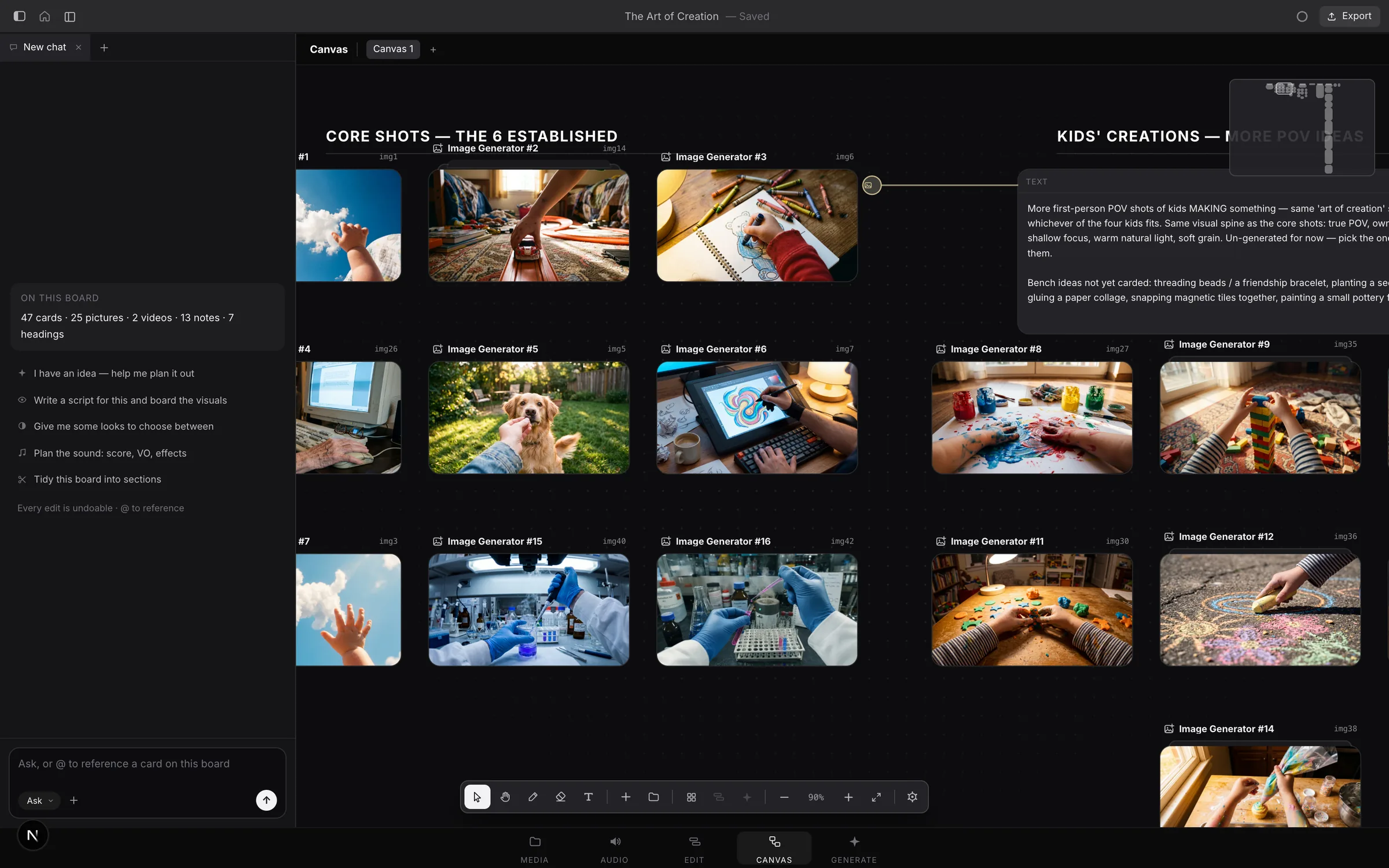
It's Mac software for people who care how Mac software works, and it adds what Final Cut's pages don't list: generation across 22 video models, a planning canvas, and an agent. The editor costs nothing to try.
Download for MacFree to download. Apple silicon, macOS 13.3 Ventura or later.DaVinci Resolve
Runs on Mac, with professional color and audio and a free edition. Generation isn't mentioned on its pages. Tenet vs DaVinci Resolve.
Adobe Premiere
The team-friendly option with Frame.io, available by subscription. Tenet vs Adobe Premiere.
Filmora
An easier Mac editor with a low price and Veo 3.1 available on credits. Tenet vs Filmora.
CapCut
Quick social edits with cross-device apps and a free tier. Tenet vs CapCut.
Runway
Generation-first, with its own models and an agent timeline, running in the browser. Tenet vs Runway.
Details about Final Cut Pro were checked against its own pages on 2026-11-09 and can change. Sources: Final Cut Pro, Apple Creator Studio update, MacRumors on one-time vs Creator Studio.
What to check before you switch from Final Cut Pro
Do you need an iPad workflow?
Final Cut has one. Tenet doesn't, because it's a Mac app only.
How much of your film is generated?
If most of your shots will come from models, keeping them in one project with their prompts saves real time.
Decide where the finish happens
Some filmmakers will want to cut everything in one app, and others prefer a final pass in the tool they know. Tenet's ProRes 422 export keeps that second route open, so moving your generation and first cut there doesn't lock you in.
Check your Mac
Tenet needs Apple silicon (M1 or later) and macOS 13.3 or later, so confirm your machine qualifies before you plan a move.
Questions about Final Cut Pro alternatives
What's the best Final Cut Pro alternative for AI video?
Tenet, since generation, planning and editing share one Mac app.
Is there a free alternative to Final Cut Pro on Mac?
Yes. Tenet's editor is free, and DaVinci Resolve has a free edition too.