
Tenet vs invideo
invideo is a web editor with AI agents, popular with marketers. Tenet, the AI film studio for Mac, is built for storytellers who want every take, character and cut in a single project on their own machine.
The short answer
Tenet is the better choice for filmmakers on a Mac who want a director-style agent, a free editor and credits that never expire. invideo is a good fit for marketing teams who need quick first cuts, browser and mobile access, and multiplayer editing, and who don't mind that unused credits don't roll over.
Tenet and invideo, side by side
| Feature | Tenet | invideo |
|---|---|---|
| Where it runs | Mac app (Apple silicon, macOS 13.3 or later). No browser or Windows version. | Web, iOS and Android. |
| Price | Free download and free editor. Plans at $47, $97 and $197 a month. Top-ups from $10. | Basic $9, Pro $30 and Ultra $80 a month per seat, with lower annual rates. |
| Unused credits | Roll over month to month and never expire. | Its pricing page says unused credits don't roll over. |
| Models | 63 models from many makers, including Veo 3.1, Kling 3.0, Seedance 2.5, Nano Banana Pro, GPT Image 2.5 and ElevenLabs, on one credit balance. | Seedance, Veo 3.1, Kling, Wan, Hailuo, PixVerse, Nano Banana, ElevenLabs and more. |
| Timeline editor | A real multi-track timeline: tracks, titles, captions, keyframes, color and sound. Exports H.264, H.265 and ProRes 422, up to 4K. | Yes on all plans, with color and audio tools. |
| Agent | Built in. It plans on the board, generates and edits the timeline. It asks before it spends, and anything it changes can be undone. | Agent Two Lite on all plans, with higher tiers on Pro and Ultra. |
Details about invideo were checked against its own pages on 2026-11-09 and can change. Sources: invideo pricing, Trustpilot.
Why people choose Tenet over invideo
A film needs a plan before a first cut
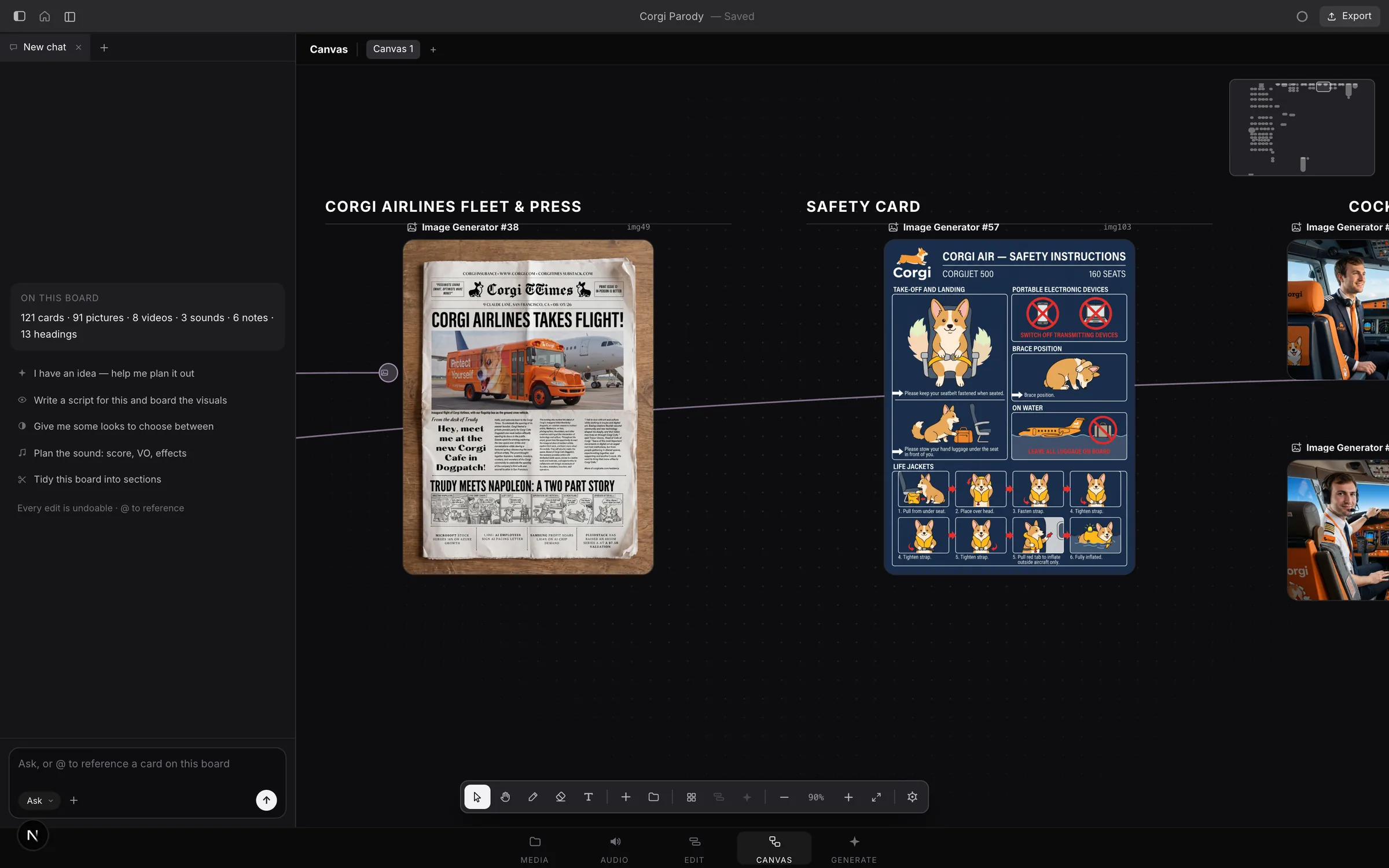
invideo's agents build first cuts on a timeline, which is great for marketing. Tenet starts earlier, with the brief, look, script, characters, locations and shots on a board that you approve before any money is spent.
Same faces, shot after shot
Character and location sheets come first in Tenet, so each shot is made from the same people and places. For a story with recurring characters, that step does more for quality than any prompt tweak.
A free editor, not a per-seat fee
Tenet's whole editor is free, including export, and it doesn't charge per seat for editing. You pay for generation and the agent, in credits that are worth one cent each.
Costs you can see ahead of time
Trustpilot reviewers of invideo report unpredictable credit use, auto-recharge on by default, and refund refusals. Tenet shows the price before anything runs, and a job that fails costs nothing.
When invideo is the better fit
invideo is the better fit if your team works in browsers or on phones, or needs multiplayer editing for up to 20 seats. Enterprise buyers may also need its SOC 2 and SSO. Its Basic plan is also a much smaller monthly commitment.
Questions about Tenet and invideo
Is Tenet better than invideo for short films?
Yes for Mac users. Tenet plans the film, keeps characters consistent with sheets, and cuts everything on a free timeline.
Do invideo credits roll over?
Its pricing page says unused credits don't roll over. Tenet's never expire.
Does Tenet support teams like invideo?
invideo lists multiplayer editing for up to 20 seats, so it's the stronger pick for editing together in real time. Tenet is made for making a film on your Mac.
Can Tenet make marketing videos?
Yes. Tenet's agent can plan and produce ads, teasers, promos and explainers as well as short films.