
The best invideo alternatives in 2026
invideo is good at producing a quick first version. When your project needs more story and more control, begin with Tenet, the AI film studio for Mac.
The short answer
Tenet is the best invideo alternative for filmmakers on a Mac, with a planning agent, a free editor, 63 models and credits that never expire. Runway suits creators who want its own models, CapCut is an easy pick for short-form social video, and Descript is strong for talking-head editing.
Why people look for a invideo alternative
Billing is worth a close look. Trustpilot reviewers report unpredictable credit use, auto-recharge on by default and refund refusals, and invideo's own pricing page says unused credits don't roll over.
Output is the other reason. Automatic first cuts save time, but filmmakers often want to control the look, the characters and the pacing from the start, instead of correcting a draft built for general marketing.
invideo alternatives, ranked
Tenet
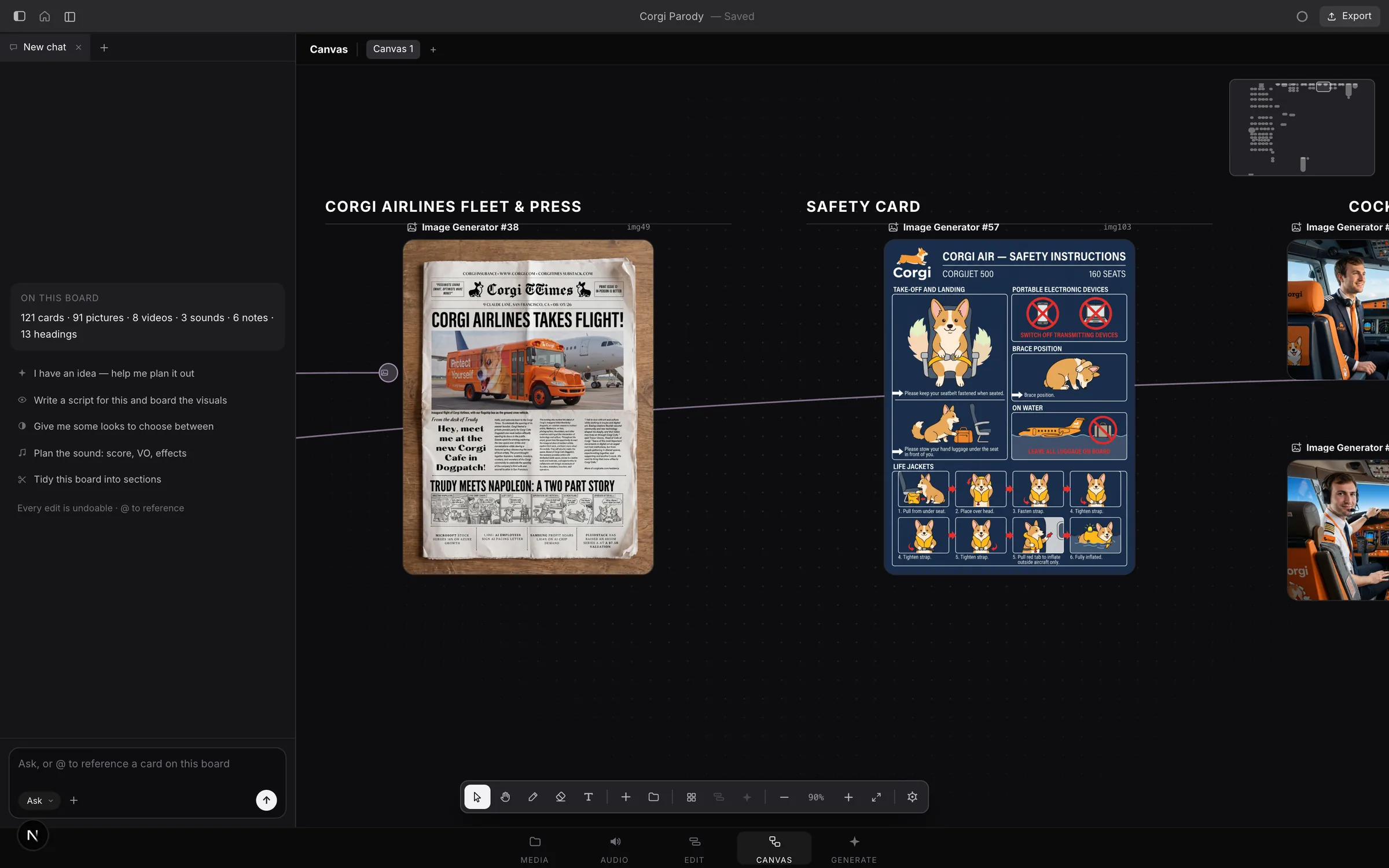
Tenet, the AI film studio for Mac, puts you in the director's chair from the first idea. The agent asks about the film you have in mind, shows you a plan, and generates nothing until you approve it.
Download for MacFree to download. Apple silicon, macOS 13.3 Ventura or later.Runway
Its own models and a track-based timeline inside its agent. Tenet vs Runway.
CapCut
An approachable editor for short-form creators, with phone and desktop versions and EditPilot. Tenet vs CapCut.
Descript
Edit by script, strong for webinars, clips and talking heads. Tenet vs Descript.
LTX Studio
Browser storyboard-to-export with its own LTX models. Tenet vs LTX Studio.
Veed
A browser editor with subtitles and translation for teams. Tenet vs Veed.
Details about invideo were checked against its own pages on 2026-11-09 and can change. Sources: invideo pricing, Trustpilot.
What to check before you switch from invideo
Turn off anything that bills on its own
Check for auto-recharge settings when you switch. Tenet's auto-recharge is something you opt into.
Look at what an agent gives you
Compare a first draft with an approved plan. They produce very different projects.
Check the platform
Tenet is for Apple silicon Macs. Browser-based teams should stay with a web tool.
Questions about invideo alternatives
What happens to unused credits on invideo and Tenet?
invideo's pricing page says unused credits don't roll over. Tenet's terms say credits never expire, and each paid period adds to what you have left, so work that comes in bursts doesn't cost you a balance.
Can I use the same models as invideo in Tenet?
Many of them. Seedance, Veo 3.1, Kling, Wan, Nano Banana and ElevenLabs are all available in Tenet, on one balance, with a board for planning and a timeline for the cut.
What is the best invideo alternative for Mac?
Tenet, a Mac app with planning, generation and a full editor.
Is there an invideo alternative with a free editor?
Yes. Tenet's download and editor are free, and DaVinci Resolve has a capable free edition too.