
The best Adobe Firefly alternatives in 2026
Firefly makes sense inside Adobe's world. If you'd rather have one app for the entire film and credits that stay put, consider Tenet, the AI film studio for Mac.
The short answer
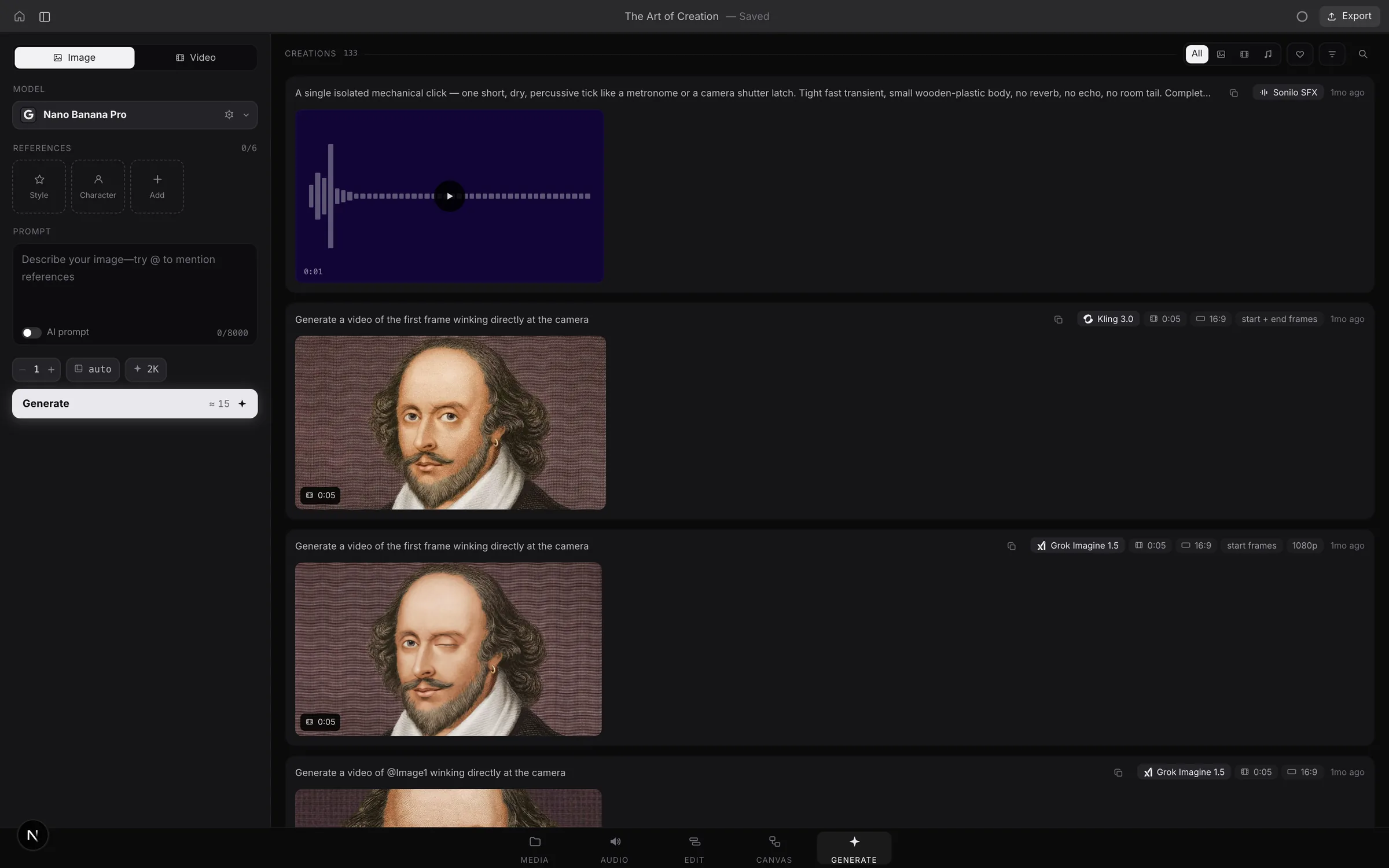
Tenet is the best Adobe Firefly alternative for making films on a Mac, because a free timeline, planning board and 63 models come in one app, and credits never expire. Runway is a strong web-based choice with its own models, Krea offers a browser canvas with an agent, and Magnific pairs generation with stock assets.
Why people look for a Adobe Firefly alternative
The monthly reset is a common frustration with generation subscriptions. Firefly's credits reset each billing cycle, which works if your output is steady and hurts if it isn't.
Some people also want tools that are further along. Firefly's video editor and its AI Assistant were both labeled beta when we checked, and creators with a deadline may want something they can rely on right now.
Adobe Firefly alternatives, ranked
Tenet
It's the whole production in one Mac app rather than a generator with an editor attached. You get a shipping timeline, an agent across the board and the edit, and credits you can keep indefinitely.
Download for MacFree to download. Apple silicon, macOS 13.3 Ventura or later.Runway
Browser-based with its own frontier models, an agent and mobile apps. Tenet vs Runway.
Krea
A web canvas for image, video and 3D with an agent on all plans and a recently added timeline. Tenet vs Krea.
Magnific
Formerly Freepik, combining many models with a stock library, and credits valid for a year. Tenet vs Magnific.
Adobe Premiere
If you want to stay with Adobe but need a mature editing timeline. Tenet vs Adobe Premiere.
Artlist
AI generation bundled with a licensed music and footage catalog. Tenet vs Artlist.
OpenArt
A browser studio offering more than 100 third-party models. Tenet vs OpenArt.
Details about Adobe Firefly were checked against its own pages on 2026-11-09 and can change. Sources: Firefly plans, Firefly Video Editor, Firefly AI Assistant beta, Adobe partner models.
What to check before you switch from Adobe Firefly
Does a beta meet your deadline?
Test the parts you depend on. Tenet's editor is available now and free to try.
Do you need Creative Cloud?
If your assets and approvals live there, leaving has a cost. If not, you've got a free hand.
How steady is your output?
Uneven production favors credits that roll over, which is why Tenet's never expire.
Work out the real price of a film
Partner models can draw on credits at different rates, so price a whole short rather than a single clip. In Tenet a credit is a cent, the cost appears before each job runs, and a 20 to 30 second film with sound comes to about 1,000 credits at today's prices.
Questions about Adobe Firefly alternatives
What's the best Adobe Firefly alternative for filmmakers?
Tenet, if you're on an Apple silicon Mac, because it covers planning, generation and editing.
Which Firefly alternatives offer multiple AI models?
Tenet offers 63 on one balance. Runway, Krea, Magnific and OpenArt also offer third-party models.