
Sound model · Sonilo
Sonilo on your Mac: music written to your cut
Sonilo is a music model from a startup of the same name, built to score video. In Tenet, the AI film studio for Mac, Sonilo 1.1 Score takes the cut you already have and writes music that follows it, so the music changes when the picture does.
The short answer
Yes, you can use Sonilo on a Mac in Tenet. Sonilo 1.1 Score takes your video and writes music to it, from 1 second to 10 minutes long, and needs a source video to work. Sonilo 1.1 makes music from a text prompt over the same 1 second to 10 minute range. Both run on Tenet credits, with no Sonilo account.
Sonilo in Tenet
| Made by | Sonilo |
|---|---|
| Versions in Tenet | Sonilo 1.1, Sonilo 1.1 Score |
| Sonilo 1.1 works from | A text prompt (text to music) |
| Sonilo 1.1 Score works from | Your video (requires a source video), and writes music to it |
| Length | 1 second to 10 minutes, on both |
| Pays with | Tenet credits. A credit is a cent, and the app shows an estimate before you generate |
What Sonilo is good at
Music that follows the edit
Sonilo says v1.1 is mainly a video-to-music model that locks beats and transitions to the pacing of the footage. Instead of cutting picture to music, the music meets your cuts.
Room for the dialogue
According to Sonilo, the model keeps the video's original speech over the new track, so a scored scene with lines in it still plays as a scene.
Cleared for commercial use
Sonilo says the model was trained under an agreement with Shutterstock and that outputs are cleared for commercial use. That matters for ads, client work and anything going to a festival.
Long enough for a whole short
Ten minutes on both versions covers most short films in a single pass, so one score can run from the first frame to the credits.
How to use Sonilo in Tenet
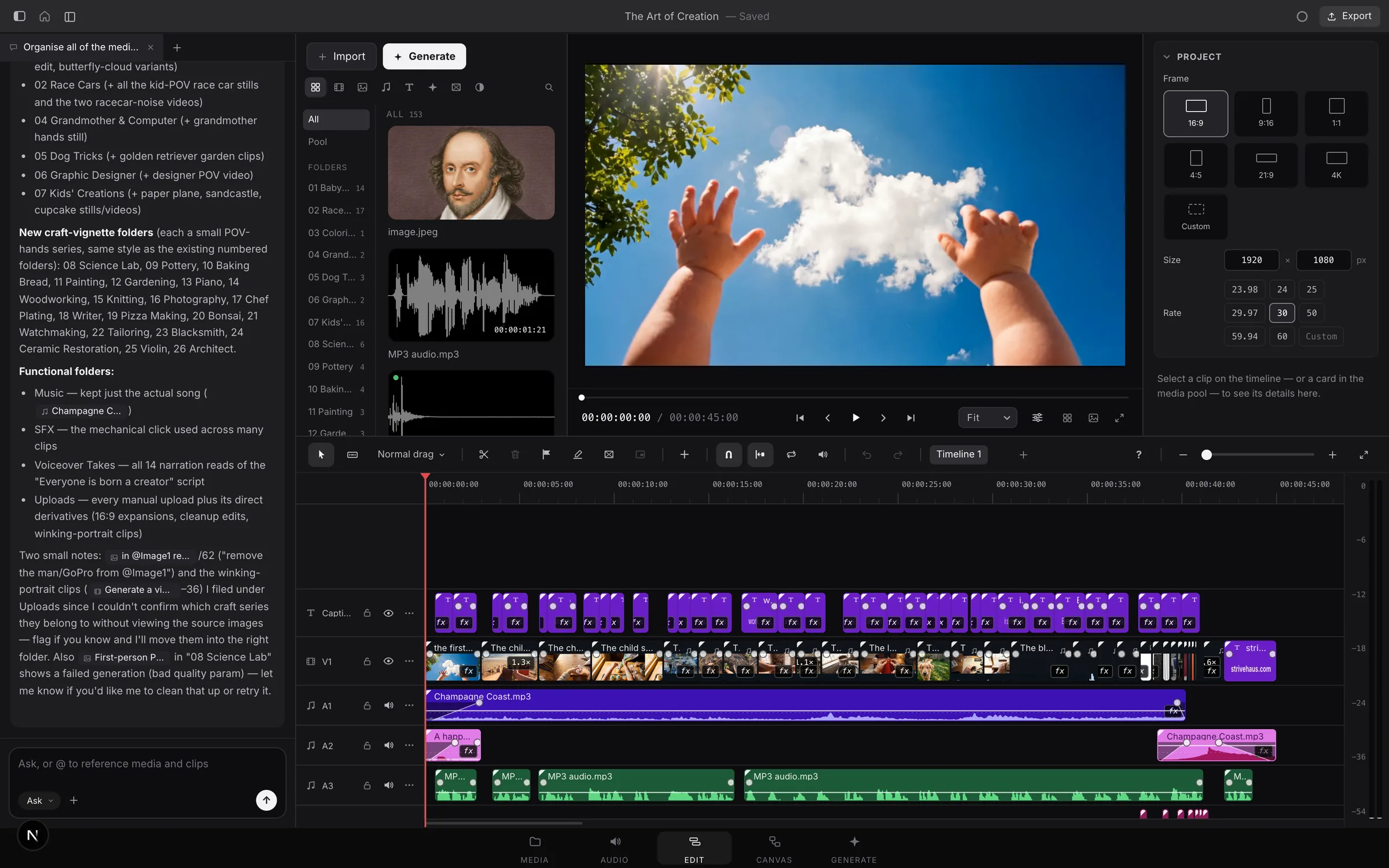
Get the edit close to locked first. Scoring to picture works best when the cuts stop moving. Pick Sonilo 1.1 Score in the model menu, wire in the video you want scored from your board, and describe the music you want: "warm acoustic guitar, gentle, lifts at the reveal". The estimate shows before you generate.
The score lands on the board next to the source clip, with its prompt attached. Lay it on a music track under the same section of the timeline and play it back: the hits should fall on your cuts. If the edit changes later, generate a new score for that section rather than forcing the old one to fit.
When you don't have picture yet, for a temp track while you plan or a theme to build a sequence around, use Sonilo 1.1 with just a text prompt. The agent can also call on Sonilo once a sequence is laid out, so the voice, picture and score are all in place on one timeline.
Getting good results from Sonilo
Score scenes, not the whole film
Even though 10 minutes fits a whole short, scoring scene by scene gives you more control. Each scene gets music shaped to its own pace, and you can change one without redoing the rest.
Lock the cut, then score
Because Sonilo 1.1 Score follows the pacing of the footage, every trim after scoring pulls the music out of sync. Make picture decisions first.
Tell it where the moments are
Use your prompt to name what matters: "tension under the argument, release when she leaves". The model reads the cuts; your words tell it the feeling.
Keep the dialogue track separate
Leave your voice lines on their own tracks in Tenet, so you can balance them against the score with keyframes even after the music is in.
When another model is the better pick
For a song with vocals, Sonilo isn't the tool; use MiniMax Music. When you want a standalone piece of instrumental score from a prompt alone, Lyria 2 is worth comparing with Sonilo 1.1.
For a music video, where the song comes first and the picture follows it, start with ElevenLabs Music 2.5 instead and cut to the track; the AI music video guide explains that order. If you've only used song apps before, Tenet vs Suno shows why scoring inside the editor changes the job.
Questions about Sonilo
What is Sonilo?
Sonilo is a startup making music models for video. Its v1.1 model, announced in June 2026, scores footage to the pacing of the edit.
What's the difference between Sonilo 1.1 and Sonilo 1.1 Score?
Sonilo 1.1 makes music from a text prompt. Sonilo 1.1 Score takes your video and writes music to it. Both go from 1 second to 10 minutes in Tenet.
Does Sonilo 1.1 Score need a video?
Yes. Sonilo 1.1 Score requires a source video. Without one, use Sonilo 1.1 with a text prompt.
Can I use Sonilo music commercially?
Sonilo says its outputs are cleared for commercial use. You own what you generate in Tenet, and Sonilo's own terms apply; see Tenet's AI content policy.
Do I need a Sonilo account to use it on Mac?
No. In Tenet, Sonilo runs on Tenet credits, which roll over and never expire. There's no separate sign-up or API key.
The specs above are what Tenet offers, checked against the app on 2026-11-12. Background on Sonilo comes from Sonilo and the press, and can change: Sonilo: Sonilo v1.1.