
How to make an AI ad or commercial
An ad has one job and a fixed length, which suits AI production well. The hard parts are keeping the product correct and producing the versions the client needs.
The short answer
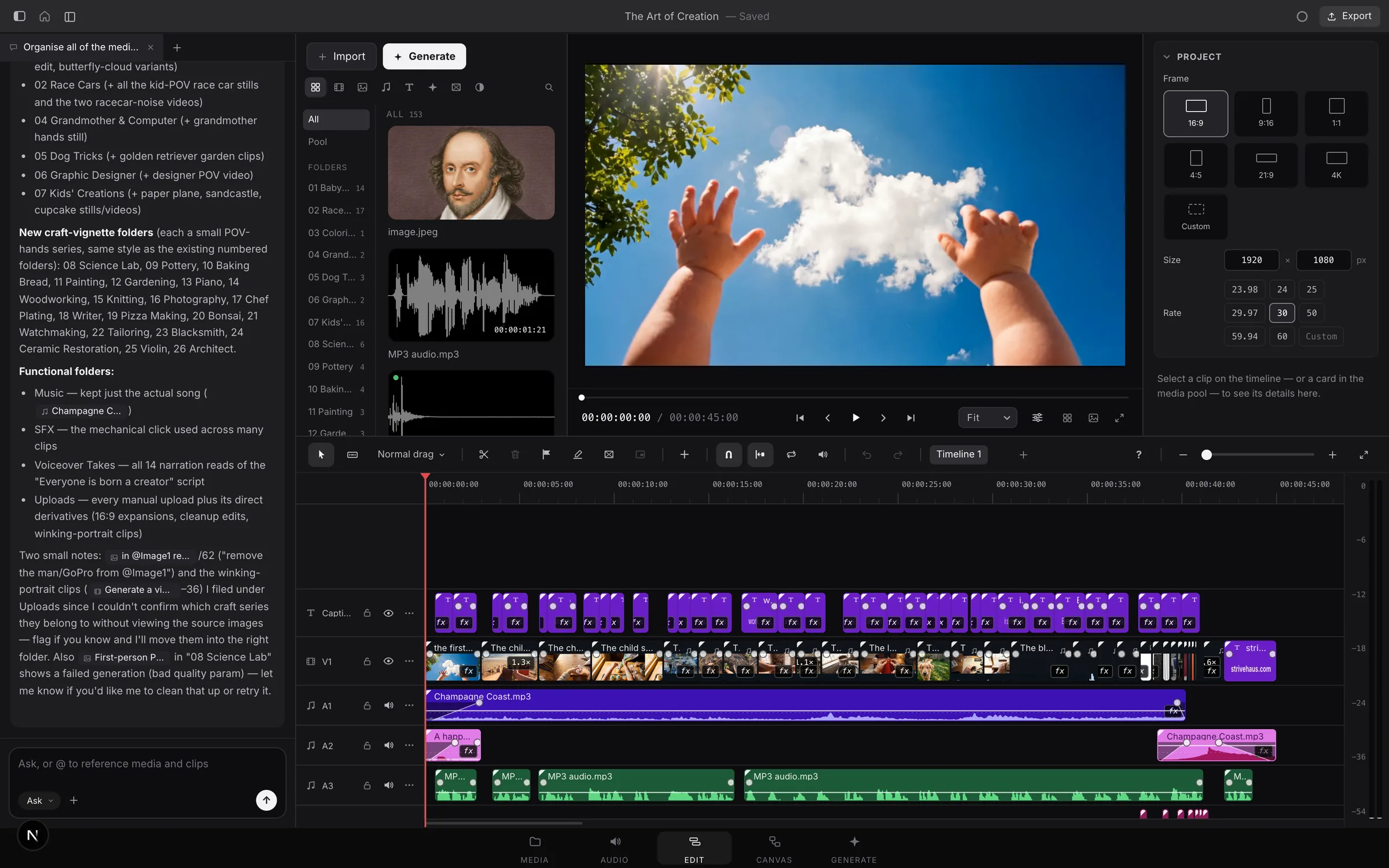
To make an AI commercial, start from one message and a call to action, build a reference board for the product, generate shots from those references, and cut versions for each channel. Tenet, the AI film studio for Mac, reads client briefs as PDFs or decks, plans on a canvas, and carries voice, music and the edit in one project.
How do you turn a brief into a plan?
Reduce the ad to one sentence that a viewer could repeat afterwards, and name the action you want them to take. Everything that doesn't serve those two things should go. A 15-second spot has room for about one idea and three or four shots.
Clients tend to send a brief, a script, a deck or a vision board. Tenet's agent reads all of these when you drop them into the chat, including PDFs, Word files, PowerPoint and sets of pictures. It looks at the images as well, because the palette, the light and the framing in a vision board are often the real brief.
How do you keep the product accurate?
This is where AI ads most often go wrong. Labels warp, logos invent new letters, and the bottle changes shape between shots. Treat the product as a character: make a clean reference with three full views, and wire it into every shot it appears in.
Keep hero shots simple. A single product on a surface with a controlled camera move is far more reliable than a busy scene. Plan to add real logos and legal text as titles on the timeline, instead of asking a model to draw letters.
If you have real product photography, use it. Tenet takes your own images as references, and Object Swap can replace an item within a shot.
What's the production order for an ad?
Script and pace
Write the voiceover and time it. Tenet's checks read the script against the shots for pace and running time before you spend.
Voice
Cast the voice by searching for its character, such as a warm narrator, then generate the lines.
Music
Describe the piece in concrete terms. Words like 'uplifting' and 'corporate' tend to bring back the same forgettable track.
Shots
Make start frames from your references, then animate. Run the important shots on more than one model.
Cut and mix
Lay the shots under the voice, set the music beneath it, and add the end frame with the call to action.
How do you produce versions for each channel?
Plan for this up front. If a 16:9 ad will also run as 9:16, shoot the important action in the center of the frame, or generate the vertical version separately using the same references. Generated separately costs more, but the framing is right.
Shorter cuts come from the same timeline. Take the 30-second version, remove what the 15-second one doesn't need, and tighten the voice. Tenet exports with marks too, so you can output one part of the timeline. Auto captions matter here, because a lot of social video gets watched on mute.
What about rights and approvals?
You keep ownership of what you make in Tenet, but each model's own terms apply to its output and some limit commercial use. AI output may not be copyrightable everywhere. Check those terms before delivering paid work, and read the AI content policy.
Don't use real people, brands or voices without permission. For approvals, Tenet's agent works in stages with your sign-off, which helps you keep a client in the loop before the expensive generation.
Which tool suits ad work?
For high-volume marketing teams working in a browser, invideo, Magnific and Melius are worth comparing, and Synthesia suits presenter-led corporate video. Tenet, a Mac app, is a better fit if one person or a small studio is making the whole spot and wants it to feel like a film. See the best all-in-one AI video platforms.
Questions
Can I use AI video in paid advertising?
Often yes, but each model's own terms apply and some limit commercial use. Check them before delivering paid work.
How do I keep a logo correct?
Add real logos and text as titles on the timeline. Models are unreliable with exact lettering.
Can Tenet read a client's brief?
Yes. Drop in a PDF, Word file, PowerPoint, text file or a set of pictures, and the agent reads it.
Can I make vertical ads?
Yes. Set the shape of the project and generate in that aspect ratio.