
AI film agent: what it can do
An agent isn't a better prompt box. It's something that can read your project, decide on steps and use the same tools you do.
The short answer
An AI film agent plans, generates and edits a project from plain-language instructions. The agent in Tenet, the AI film studio for Mac, works on the board and the timeline, offers Ask, Plan and YOLO modes, asks before it spends, and lets you undo anything it changes. It can take one sentence through to a narrated, mixed cut.
What is an AI film agent?
A generator takes one prompt and returns one result. An agent takes a goal, breaks it into steps and carries them out, checking its own work along the way. In a film app, that means reading the timeline, writing the plan, calling the right model and placing the result.
Agents have become common in this category. Runway, Luma, Krea, Higgsfield, CapCut and Descript all offer versions of one. What separates them is what they can actually touch. Ask whether the agent can operate the timeline, or whether it stops at handing you a file.
What can Tenet's agent do?
Change a cut you already have
In the Superpower project, the agent was told the music stayed the same all the way through and should get brighter in the middle. It read the timeline, removed the old track and generated new music, with a tempo jump and a shift to a bright major key at the midpoint.
Place one exact sound
In the same project it was asked for a sword-draw effect at 15 seconds. It added an FX track, generated the sound and mixed it over the music, at exactly 0:15.
Plan a character with you
For Jazzman it asked about the shape, the mood and the sound, drew four character styles, then redrew the chosen one with a walking stick and generated the shots.
Make a film from one sentence
For the lighthouse story it wrote four scenes and the narration, cast the voice, drew the characters and places, generated 11 shots and the score, cut it to the narration, then mixed and graded it.
How much control do you keep?
That depends on the mode. Ask checks with you before anything is generated, and it's where the agent starts. Plan looks into a task and writes a plan while changing nothing and spending nothing. YOLO generates and edits on its own, and even then deleting still asks.
For a whole film, there are checkpoints that hold in every mode. Nothing gets generated until you've seen the plan, and each stage waits for your approval: Plan, Cast and places, Voice and music, Scenes, Final cut. Anything it changes can be undone.
What does the agent do that a person forgets?
It reads the script against the shots word by word, checking spoken pace, who's where and how long it runs. It judges each take as it lands, looking for repeated words, the wrong person for a reference, or a change of medium, and it doesn't call that take done.
It's also opinionated about things that are easy to get wrong. It won't draw a row of frames before the cast exists, and it writes music briefs in terms of instruments, tempo and key rather than mood words.
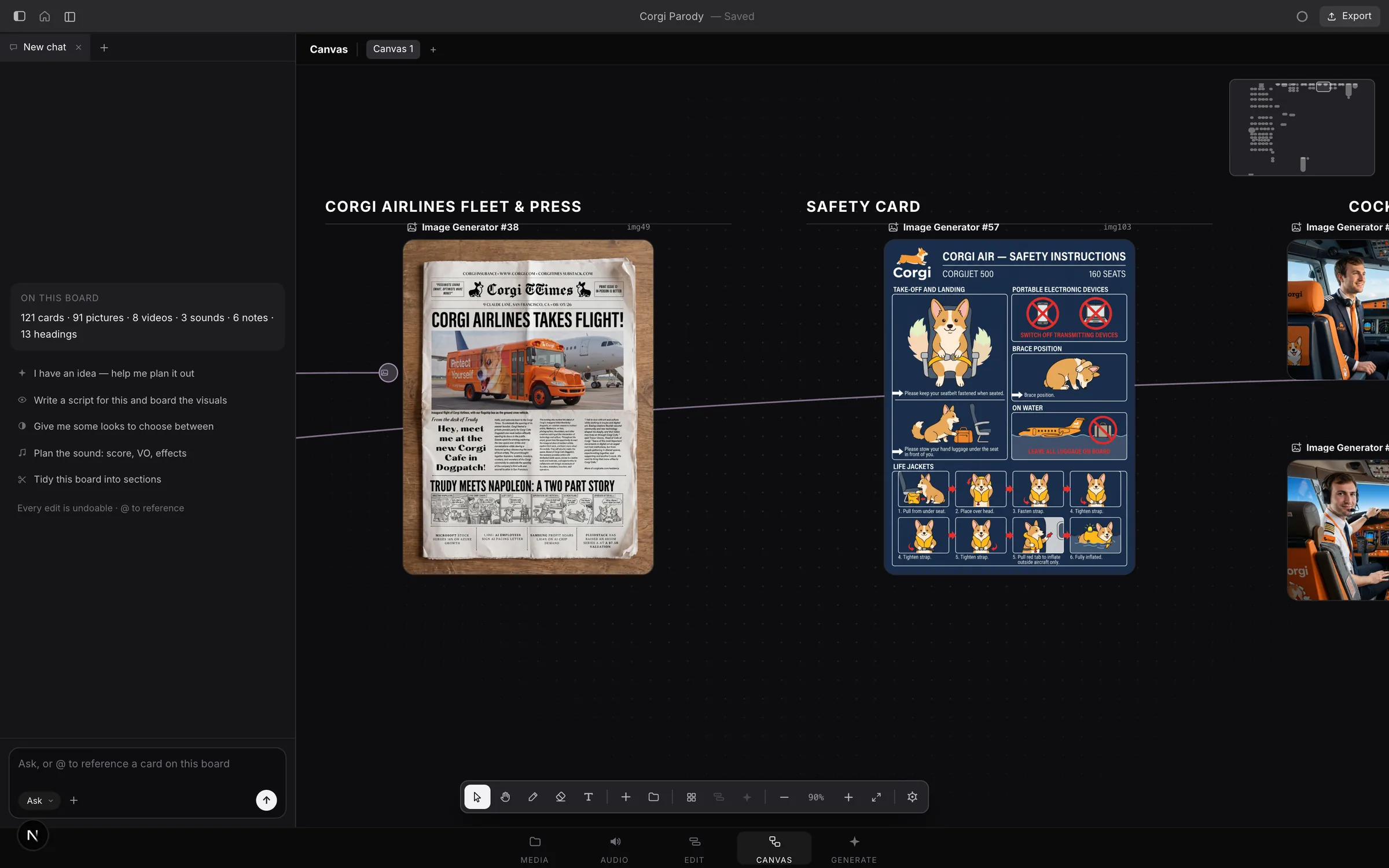
How do you direct an agent well?
Talk to it like a collaborator and be concrete about the problem. 'It's still too dramatic, and it doesn't get bright enough' is a useful note, because it says what's wrong. So is naming a time or an element: 'at 15 seconds', 'just the second shot'.
Give it what you have. It can read PDFs, Word files, decks, and pictures you drop in. When you want to keep going yourself, stop and work on the timeline directly, because it uses the same project you do.
What does the agent cost?
A typical agent message is about 27 credits, or 27 cents. Generations cost what they cost when you run them yourself, and the app shows the price before they run. You need a Mac with Apple silicon to use it. To try the whole process, read how to make a short film with AI.
Questions
Can the agent edit my timeline?
Yes. It reads the timeline and can add tracks, place and trim clips, generate new sound and mix it.
Will the agent spend credits without asking?
In Ask mode it checks first, and Plan mode spends nothing on generation. In YOLO mode it generates on its own. Whole-film approval checkpoints hold even in YOLO.
Can I undo what the agent does?
Yes. Anything it changes can be undone.
Can the agent choose the model?
Yes. You can pick the model yourself or let the agent choose for each shot.